
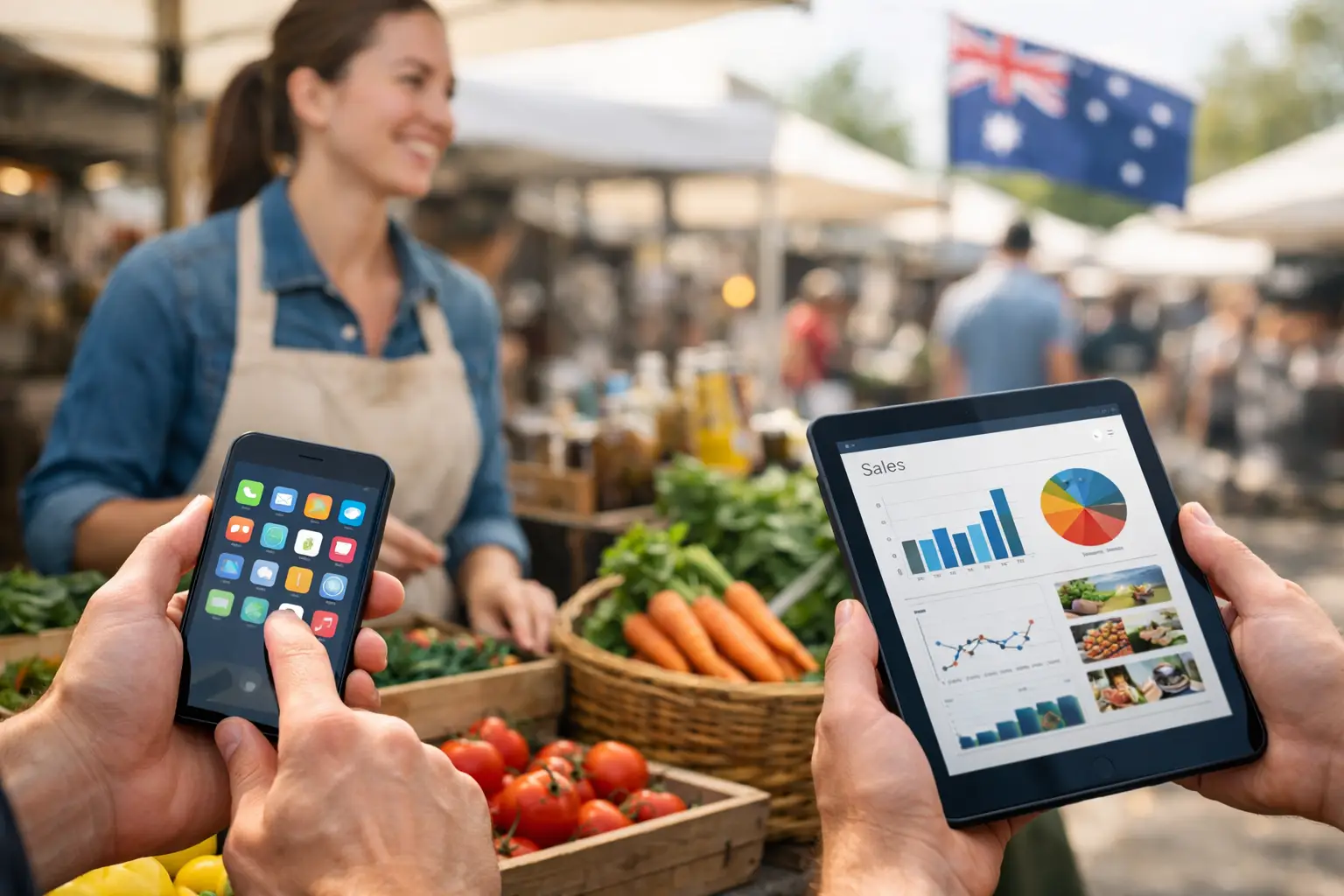
The queue is building, one customer wants to split a payment, another asks whether you will be at next month’s market, and your best-selling line is down to its last three units. The best apps for market vendors do more than process a card payment. They help you keep selling while the stall is busy, make smarter calls on stock, and turn a one-day market into repeat business.
For Australian stallholders, the right setup depends on what you sell and how you trade. A coffee van needs fast ordering and a reliable connection. A ceramics maker needs product variants and stock counts. A vintage seller may care most about customer follow-up and an online storefront. The goal is not to collect the most apps. It is to build a simple operating system that works from pack-in to pack-down.
What makes an app useful at a market?
A market app earns its place when it saves time at the stall, reduces mistakes, or helps you make more from each event. It must also work in the real conditions of live trading: patchy reception, wet weather, a crowded table, a flat mobile battery, and customers who expect a quick checkout.
Start with your non-negotiables. Most vendors need payments, product and stock management, basic sales reporting, and a way to retain customer details with permission. If you attend recurring events, vendor applications, event information, pitch details and customer discovery can matter just as much as the till.
Avoid choosing software solely because it is popular. A powerful retail platform can be excessive for a seller with 20 handmade products, while a basic payment app may become limiting for a food operator managing modifiers, orders and multiple staff. Choose for your actual workflow, then leave room to grow.
The best apps for market vendors by job
1. Square for quick in-person payments
Square is a common starting point for market sellers because it is straightforward to set up, supports tap payments, and gives small operators an accessible POS option. It suits craft stalls, fashion sellers, florists and food vendors who need to accept cards without installing a full retail system.
Its value at a market is speed. You can create a product catalogue, send digital receipts and view sales after the event. Hardware options also make it easier to build a more professional counter as your stall grows.
The trade-off is that payment processing fees add up, especially across high-volume events. Review the fee structure against your average sale value, and test your reader, charging setup and mobile data plan before a major weekend. A payment app is only fast when your team knows the checkout flow.
2. Shopify POS for vendors selling online and offline
If your market stall is part of a broader online retail business, Shopify POS can make sense. It is designed to connect in-person sales with an online shop, helping vendors avoid selling an item at a market that has already been bought online.
This is particularly useful for apparel brands with sizes and colours, skincare businesses with repeat buyers, and product sellers that take pre-orders. Inventory can be managed in one place rather than updated manually after every event.
For a vendor who trades only once a month and has a small range, it may be more system than you need. But for a growing brand moving between markets, pop-ups and online orders, centralised stock can prevent costly overselling.
3. Xero for staying on top of the numbers
Markets can create a misleading sense of profit. A strong day at the till may hide site fees, petrol, packaging, merchant fees, insurance, ingredients, casual wages and the cost of replacing stock. Xero helps put those numbers in view.
Use it to reconcile income, track expenses and give your accountant cleaner records at tax time. A simple routine works best: upload receipts or enter expenses during the week, then reconcile sales and costs after each market. Waiting until the end of the financial year turns useful business data into a chore.
Xero is not a replacement for a POS. Think of it as the financial layer behind your selling tools. Make sure any connection between systems is properly configured, and check whether sales are flowing through as daily totals or individual transactions before relying on automated reports.
4. Canva for market signage and social content
Good signage answers questions before customers need to ask them. Prices, ingredients, payment options, social handles, care instructions and a clear brand name all reduce friction at the stall. Canva is useful for creating those assets without needing a designer for every update.
Create templates for A-frame signs, price cards, menus, QR posters and Instagram stories. Keep the design readable from a few metres away. A beautiful sign with tiny type does not help someone walking past with a pram, coffee or shopping bags.
Canva is strongest when it supports a clear sales plan. Use a QR code only if it gives customers a useful next step, such as joining a mailing list, viewing an upcoming market schedule or browsing products they could not carry home.
5. Google Drive for event documents and team access
Market trading involves more admin than most customers see: public liability certificates, food permits, bump-in instructions, site maps, staff rosters, invoices and event contacts. Google Drive gives you one place to store and share these documents from a mobile.
Set up folders by event and keep a current copy of every document you may need to show an organiser. If you work with staff, share only the files they need, such as the event run sheet and bump-in details. Clear access prevents the familiar market-morning scramble for an old PDF buried in someone’s inbox.
The limitation is that Drive will not manage your operations for you. It works best as a reliable document hub, not as your main system for sales, customer records or vendor coordination.
6. Trello for repeatable market preparation
Trello is a practical choice for vendors who need a repeatable checklist. Build a board around the event cycle: apply, confirm, prepare stock, promote, pack, trade, reconcile and follow up. Each card can hold due dates, notes, files and assigned tasks.
It is especially handy for food stalls and larger teams, where forgetting one item can stop service. Gas bottles, an EFTPOS charger, allergen signage, tablecloths, cash float, tape and stock labels all deserve a place on the list.
Do not overbuild it. A complicated board becomes another task to manage. One reusable checklist per event type is usually enough: farmers market, night market, convention or festival.
7. Mailchimp for turning visitors into repeat customers
A market customer may love your products and still forget your business name by the time they get home. Email marketing gives you a direct way to invite interested shoppers back, announce new releases, or tell local customers where you will trade next.
The key is permission. Offer a clear reason to subscribe, such as early access, market dates or a small first-order offer. Do not add every card-paying customer to a list. Trust is part of your brand, and consent matters.
Mailchimp can be useful for sellers with seasonal drops, pre-orders or recurring locations. If you do not have a clear reason to email people regularly, focus first on getting your point of sale, inventory and event presence working well.
8. Evntle for connected event selling and visibility
For vendors who want their sales tools and event presence to work together, Evntle is built around live event commerce. It brings vendor operations, storefronts, point of sale, event discovery and customer engagement into a purpose-built ecosystem for markets, fairs and other real-world events.
That matters when the work does not end at payment. Vendors can benefit from being discoverable before an event, managing their stall operation during it, and giving customers a way to find them again afterwards. Organisers also gain more structured vendor workflows and event-day visibility, reducing the back-and-forth that often happens across spreadsheets, messages and separate apps.
Build your stack around the bottleneck
The best setup is rarely eight separate subscriptions. Start with the point where your business loses time or money. If queues are the issue, improve POS speed and train staff. If you run out of popular items, fix inventory. If customers cannot find you between events, focus on storefronts, social content and customer follow-up. If organiser communication is chaotic, choose a platform designed for vendor and event operations.
Before committing, run a low-risk test at one smaller market. Process a few sales, check reports, test mobile reception, make a refund, print or send a receipt, and see whether your stock stays accurate. Bring a charged power bank and a backup connection where possible. Event-day resilience matters more than an impressive feature list.
The app worth keeping is the one your team will use when the line is six people deep and the weather turns. Build around that reality, keep the workflow clear, and each market can become easier to run and easier for customers to return to.
📖 Related
See the KDS and POS in action — try the live demo or create a free account.