
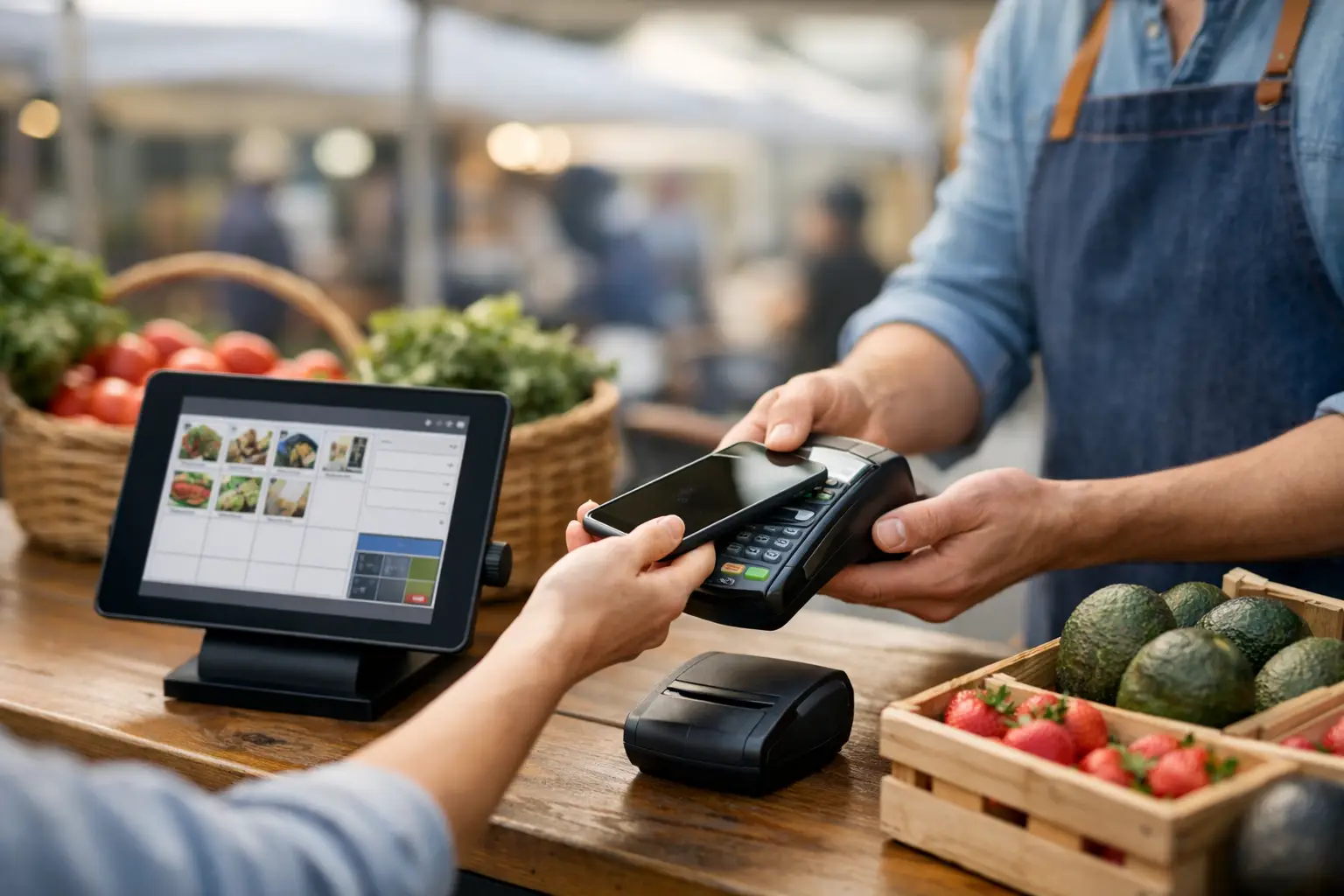
The Saturday rush tells you very quickly whether your setup works. One customer wants to tap and go, another asks if you’ve got the same candle in a different scent, and someone else is waiting while you count change with one hand and check stock on your mobile with the other. A market stall POS system is meant to take that pressure off, not add another layer of fiddly admin.
For stallholders and event operators, the right setup is less about flashy features and more about keeping trade moving. You need sales, stock, customer info and event-day operations working together in a way that makes sense on a folding table, in a food van, or across a multi-vendor market. That’s where the choice gets more practical than most software comparisons make it sound.
What a market stall POS system actually needs to do
A stall is not a standard retail shop with fixed power, fixed staff and fixed traffic patterns. It’s a moving business. Some days you’re indoors with stable Wi-Fi. Other days you’re under a marquee in patchy reception with a queue forming before you’ve finished setting out signage. That means your POS has to handle mobile conditions first, not as an afterthought.
At minimum, a market stall POS system should process payments quickly, track products clearly and stay usable on a small device. But that baseline is only part of the picture. If you sell across events, online channels or multiple pop-up locations, you also need your stock and sales data to stay consistent. Nothing slows down a good trading day like overselling products you thought were still in stock.
The stronger systems also help you see what’s happening beyond the transaction. Which products move best at food festivals versus craft markets? Which event locations produce repeat buyers? Which team member processed the most sales during the lunch rush? Those details matter because event selling is rarely static. You adjust by venue, crowd, season and spend patterns.
Why generic retail tools often fall short
A lot of vendors begin with whatever is easiest to download and connect to a card reader. Fair enough. When you’re starting out, simple is attractive. The problem comes later, when your event calendar fills up and your operational cracks start showing.
Generic retail POS platforms are usually designed around permanent stores. They assume stable internet, fixed trading hours and a straightforward inventory model. Market stalls don’t always work like that. You might sell the same handmade product at a local makers market on Saturday, then at a night market, then through an online storefront during the week. You might also need to coordinate with an organiser, upload vendor details, manage stall placement or sync event-specific stock.
That’s why a market stall POS system should be judged in context. It’s not just about taking payment. It’s about fitting into the actual rhythm of live events.
The features worth paying attention to
Speed at checkout is the obvious one, but it’s not the only one. A good POS for stall trading should let you build a product catalogue that’s easy to use in a high-pressure environment. If your staff have to scroll through vague item names or hunt for price variations, queues build fast.
Inventory tracking matters just as much. If you sell one-off pieces, limited drops or fresh stock with short turnover, you need live visibility. For food traders, modifiers and quick menu changes can be just as important as stock counts. For craft and apparel sellers, size, scent, style or colour variants need to be clear enough that mistakes don’t happen mid-sale.
Offline or low-connectivity performance is another big one. Plenty of events still have black spots, overloaded networks or venues where reception drops without warning. Some systems handle this well. Others become unreliable the moment signal weakens. It depends on how and where you trade, but if your business relies on regional events, showgrounds or large crowded venues, this feature moves from nice-to-have to non-negotiable.
Reporting is where many vendors either save time or lose it. After a long event day, you want quick answers. What sold, what didn’t, how much GST did you collect, and which event delivered the best result after stall fees? A decent POS should give you that view without exporting five spreadsheets and piecing the story together later.
Market stall POS system choices for different setups
Not every trader needs the same stack. A solo candle maker doing two markets a month has a different threshold from a food operator running multiple terminals or a vintage seller touring events every weekend.
If you’re a smaller stallholder, ease of setup probably matters most. You want a system you can learn quickly, run from a tablet or mobile, and trust without much training. In that case, simplicity beats depth. Too many features can slow you down if you never use them.
If you’ve got a growing team, a broader event schedule or both on-site and online sales, the decision changes. Then you need stronger reporting, better product management and more control over users, devices and stock movement. You may also need customer tools such as digital receipts, loyalty options or lead capture for post-event follow-up.
For organisers, the lens is different again. You’re not only thinking about one stall. You’re looking at vendor readiness, event flow and visibility across multiple sellers. A system connected to vendor operations can reduce a lot of back-and-forth, especially when applications, approvals, trading info and on-site sales activity all sit in one place.
Questions to ask before you commit
The best buying question is not “What has the most features?” It’s “What will help us trade faster and run cleaner on event day?” That immediately cuts through a lot of noise.
Start with your selling environment. Are you usually indoors or outdoors? Do you work solo or with casual staff? Are your products simple, or do they have lots of variants? Do you move between events often? Your answers shape what matters most.
Then look at how the POS fits the rest of your workflow. Can it support online selling as well as in-person payments? Can you keep stock aligned across channels? Can organisers and vendors operate from the same ecosystem if needed? These are the questions that affect your workload week to week, not just at the till.
Cost matters too, but not only in subscription terms. Cheap software that creates stock errors, slower service or extra admin can cost more than a higher monthly fee. On the other hand, paying for enterprise-level complexity when you’re a one-person stall is not efficient either. The right answer usually sits in the middle - enough capability to support growth, without turning every event into a systems job.
Where integrated event tools change the game
This is where event-specific platforms start to pull ahead. When POS is connected to vendor profiles, event listings, applications and customer discovery, the benefit is bigger than checkout speed alone. You’re not operating in fragments anymore.
For vendors, that can mean one setup that supports sales on the day and visibility before the day. Customers can find your business, preview what you sell and arrive ready to buy. For organisers, it can mean less manual coordination and better insight into how vendors are performing across the event ecosystem.
That integrated approach suits the reality of modern markets. Buyers want convenience. Vendors want fewer disconnected tools. Organisers want better control without adding admin overhead. A platform built around event commerce, rather than general retail, makes that a lot easier. Evntle sits in that category, bringing POS together with vendor operations, discovery and event management in a way that reflects how live selling actually works.
What good implementation looks like
Even the best system can disappoint if rollout is messy. Keep the first setup practical. Build your product library properly, test pricing, make sure categories are clear and run a mock sales session before your next event. If you use casual staff, train them on the exact screens they’ll use rather than giving them a broad software tour.
It also helps to review your event workflow end to end. Where will the device sit? Who handles queue management? What happens if connectivity drops? How are refunds processed? Small operational decisions have a big effect when the line gets long.
And don’t ignore presentation. A fast POS setup works best when customers can understand your offer at a glance. Clear pricing, visible product names and a simple checkout flow reduce questions and keep the line moving.
A market stall POS system should earn its spot on your table. If it helps you sell faster, track stock properly and stay organised across events, it’s doing its job. If it adds friction, it’s probably built for a different kind of business. Choose the system that matches the way you actually trade, because event days are busy enough without your tools getting in the way.
📖 Related
See the KDS and POS in action — try the live demo or create a free account.