
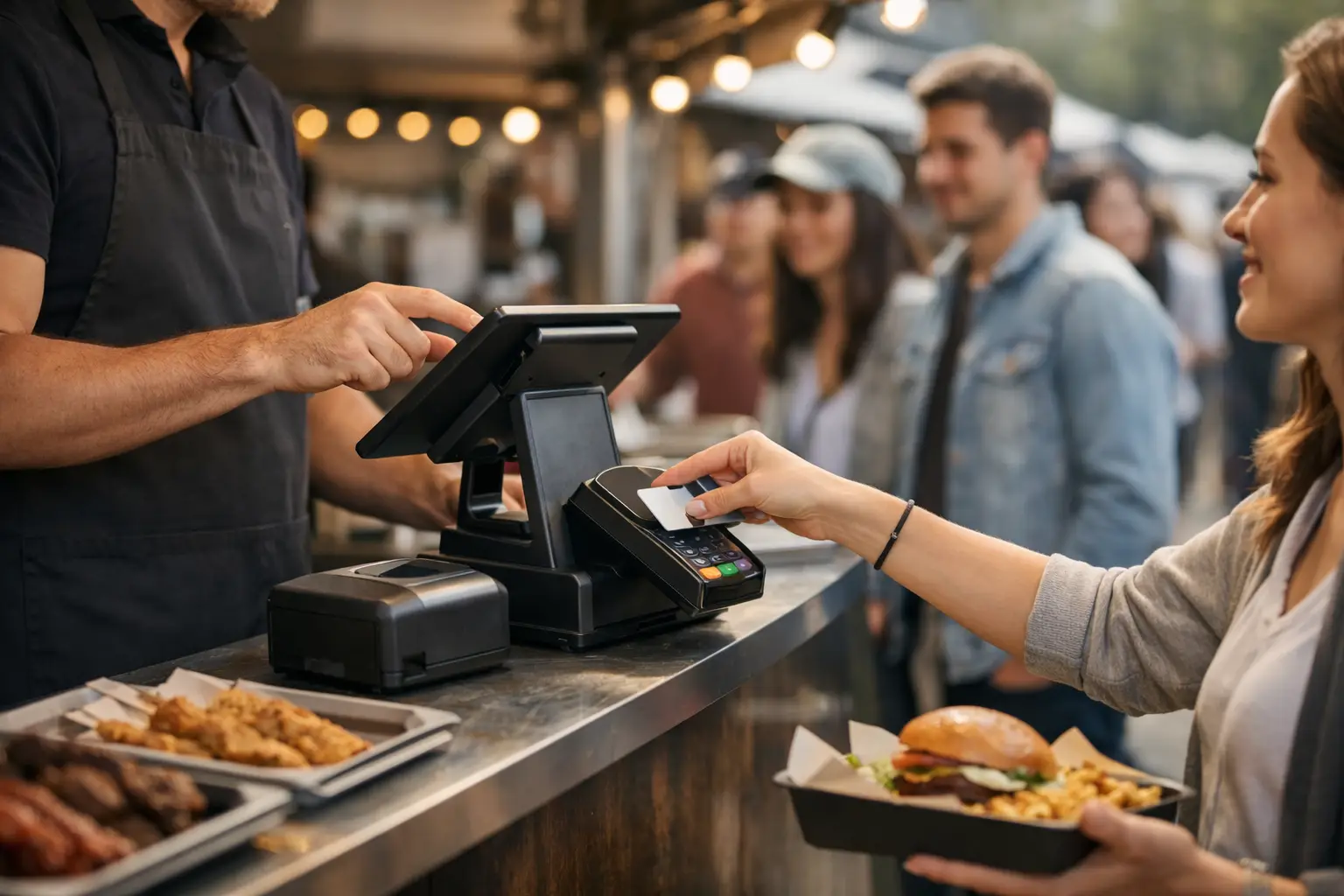
The lunch rush is not the time to be hunting for change, repeating prices, or trying to remember whether the last serve of brisket rolls has already sold. A food stall point of sale gives mobile operators one clear place to take payments, manage orders and see what is happening at the counter. For markets, festivals and pop-ups, that clarity can be the difference between a queue that keeps flowing and customers who walk away hungry.
Food vendors work in conditions most fixed venues never face. You may be serving from a marquee in the rain, moving between sites each weekend, sharing patchy mobile coverage with hundreds of other traders, or training a casual team just before gates open. The right system needs to suit that reality, not force a food stall into a café workflow designed for a permanent venue.
What a food stall point of sale needs to do
At its most useful, a food stall POS does more than process a card payment. It should turn a busy service window into a repeatable process: select items, apply modifiers, take payment, send or display the order, then move to the next customer without losing the detail.
Speed matters, but accuracy matters just as much. A $14 bowl becomes a different order when a customer asks for no coriander, extra chilli, gluten-free soy sauce, and a canned drink. If staff are writing notes on scraps of paper or shouting instructions across a hotplate, mistakes become more likely as the queue grows. Clear item options and kitchen-ready order information help protect both margins and customer experience.
A practical food stall point of sale should also make the end of the day less painful. Sales totals, payment types, popular items and refunds should be visible without manually adding up paper dockets after pack-down. That information helps vendors decide what to prep for the next market, where waste is creeping in, and which events are actually worth returning to.
Build your menu for fast service
A good POS setup starts before the first tap or card insert. Your menu needs to match the way customers order and the way your team produces food.
Keep the main screen focused on your highest-volume items. A coffee cart might lead with espresso drinks, iced drinks and pastries. A dumpling stall might place six-pack, twelve-pack and meal bundles first, then offer sauce and dietary choices as quick modifiers. The goal is not to show every possible combination at once. It is to help staff reach the most common order in a few taps.
Use modifiers where they genuinely affect preparation, price or allergen handling. Options such as extra protein, plant-based milk, spice level and no onion belong in the order flow. Avoid adding modifiers simply because the system allows them. Too many choices slow staff down and create clutter at the counter.
Bundles can be especially useful at events. A meal deal raises average order value while making the customer decision easier. The trade-off is kitchen capacity. Do not promote a bundle that creates a bottleneck at the fryer or requires too many separate packing steps during peak service.
Prices should be easy to recognise from a distance and consistent across your menu board and POS. When a customer sees one price but hears another at payment, even a small discrepancy creates friction. Update both before the event begins, especially if ingredient costs or event fees have forced a price change.
Payments are only one part of the queue
Australians expect to tap and go, and most food stalls should treat contactless card and mobile wallet payments as standard. Fast payments reduce the time each customer spends at the counter, which adds up quickly over a lunch service.
Still, payment speed is affected by more than the card reader. A stall can have a fast terminal and a slow queue if staff need to scroll through a cluttered menu, ask the same questions twice, or wait for a handwritten docket to reach the cook. Look at the full transaction from greeting to handover.
A two-stage setup often works well for higher-volume stalls. One team member takes orders and payments while another prepares or hands over food. This lets the customer-facing person keep the queue moving, while the kitchen team works from a clear order view. For smaller stalls, one device may be enough, but it should be positioned where staff can access it without blocking the service bench.
Connectivity deserves a proper test. Ask the organiser what mobile reception is like on site and whether vendor Wi-Fi is available, but do not assume either will handle a crowd. Test your device at the actual stall location if possible. Bring charged backup power, and make sure your team knows the fallback process if a connection drops. A backup does not need to be complicated, but it does need to be agreed before the queue forms.
Use live sales data to make better event decisions
A food stall is a small business operating in a fast-moving environment. Gut feel has value, but sales data gives it context.
Track which items sell by time of day. If loaded fries surge after 6 pm while salads lead at lunchtime, you can plan prep and staffing around the pattern. If your signature dish gets attention but rarely converts, the issue may be price, menu placement or the speed of production rather than the product itself.
Stock tracking is also more useful when it is tied to actual sales. Knowing you sold 70 serves is helpful. Knowing that 70 serves used nearly all your pulled pork, while your slaw supply created waste, gives you a clearer purchasing decision for next weekend. For vendors working across several markets, this record becomes a way to compare events rather than relying on whichever day felt busiest.
Organisers benefit from this visibility too. When vendor operations, applications, site planning and event reporting sit in connected workflows, organisers can better understand category mix and trading performance without chasing everyone for spreadsheets. A platform such as Evntle is built around that wider event ecosystem, helping vendors run their stalls while giving organisers stronger operational oversight.
Choose hardware that fits the stall, not a shopfront
The best hardware depends on your service style. A compact card reader and mobile device can suit a coffee cart with limited bench space. A larger tablet setup may make more sense for a busy food truck with several staff, a visible order screen and an extensive menu.
Prioritise practical details. Devices need enough battery for a full trading day, screens that remain readable outdoors, and stands or mounts that keep equipment secure when customers are leaning across the counter. If you are operating near oil, steam or dust, choose protective cases and position devices away from the busiest prep area.
Think about receipts as well. Many customers are happy with digital receipts, but an order number or printed docket can be useful where food is collected separately from payment. The right answer depends on your handover process. If customers wait near the stall, calling an order number may work. If the crowd is spread across a festival lawn, a clear name or order-status system may be easier.
Set up staff for the first ten minutes of service
Most event-day problems are not technical failures. They are small process gaps that become obvious when five people arrive at once.
Before opening, run through a few real orders with every staff member. Test a standard item, an item with modifiers, a refund process, and an order that needs to be split or updated. Confirm who takes payment, who watches the order flow, who handles customer questions and who makes the call when stock runs low.
A short opening check prevents a long list of avoidable problems:
- Confirm every menu item, modifier and price is current.
- Charge devices fully and connect backup power if needed.
- Test a payment and check where orders appear for the kitchen team.
- Set stock limits on items likely to sell out.
- Keep a simple plan for outages, refunds and customer complaints.
This does not need to be a formal staff meeting. It can take five minutes beside the ute before the gates open. What matters is that everyone follows the same flow once the rush begins.
The right system should help you grow beyond one market
A food stall point of sale earns its place when it helps after the event as much as during it. The data from a Saturday market should make Sunday easier to plan. Over time, it should help you identify your strongest products, refine your menu, train new staff faster and choose events with more confidence.
For vendors building a following, the opportunity extends beyond the service window. Customers who loved your food at a night market may want to find your next location, save your stall as a favourite, or browse your menu before attending another event. Connecting on-site trading with discoverability gives a good stall more chances to become a familiar local name.
Start with the service problem in front of you: fewer missed orders, faster payments and clearer stock decisions. Get that right, then let each well-run event create the information and customer momentum for the next one.
📖 Related
See the KDS and POS in action — try the live demo or create a free account.