
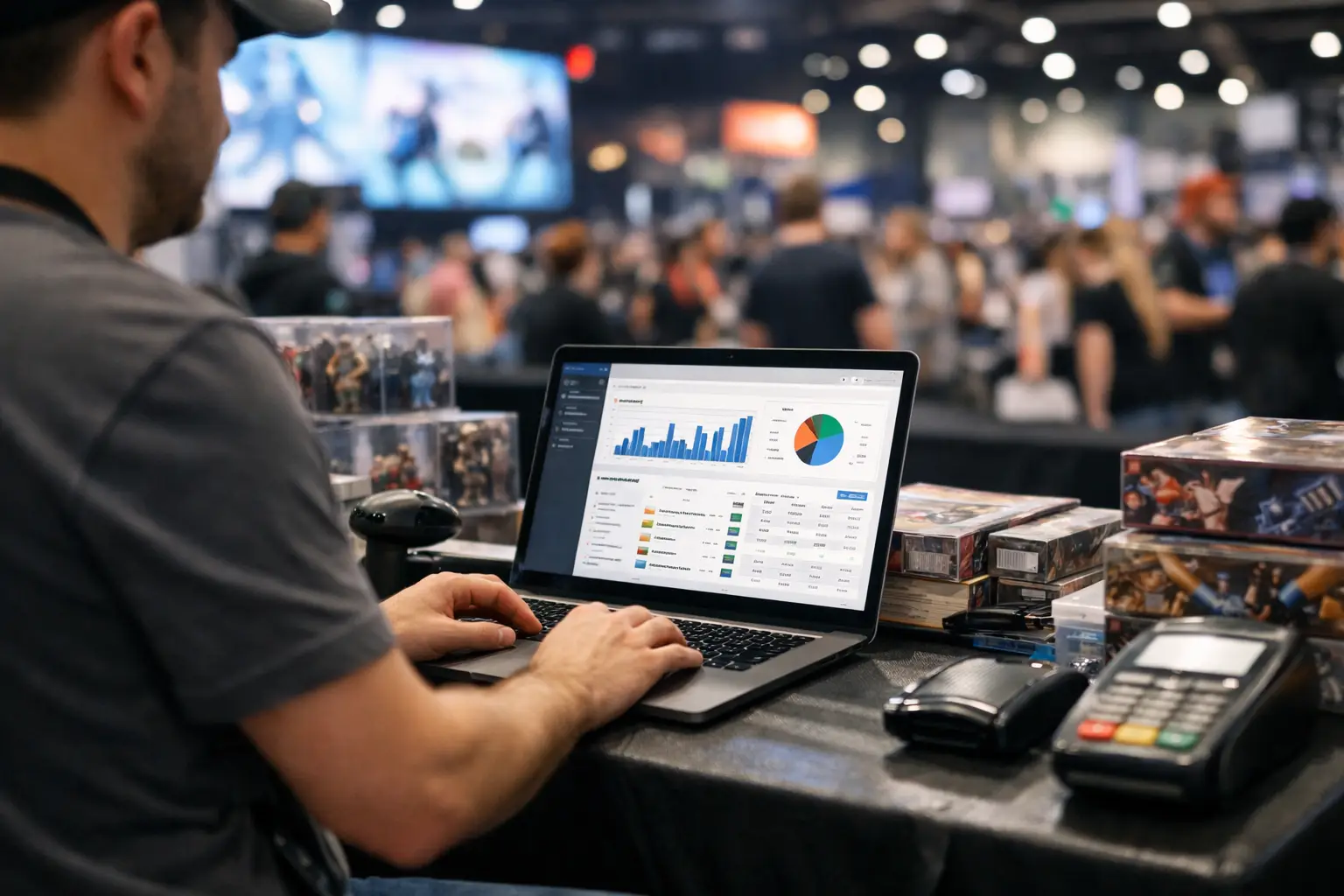
A busy convention floor exposes every weak link in an event operation. A trader is waiting for Wi-Fi to reconnect, an organiser is trying to locate a late exhibitor, and attendees are asking where to find a specific TCG seller. Gaming convention vendor software should make these moments easier to manage, not add another login, spreadsheet or paper form to the pile.
For gaming conventions, the challenge is bigger than taking stall fees and publishing a timetable. Vendors need to sell quickly, organisers need visibility across a changing floor plan, and attendees want to find the exhibitors, artists, creators and games they came to see. The right platform connects those workflows before, during and after the convention.
What gaming convention vendor software needs to handle
A gaming convention can bring together retro game dealers, tabletop publishers, indie studios, artists, collectible sellers, cosplay makers, food traders and community groups. Each has different operational needs, but all depend on clear information and a well-run event day.
Generic event software often covers ticketing or basic registration, then leaves the rest to disconnected tools. One system handles applications, another tracks payments, a shared spreadsheet holds stall locations, and vendors promote themselves through their own social channels. That approach can work for a small one-off event, but it becomes difficult to control as exhibitor numbers grow or plans change at short notice.
Purpose-built vendor software puts the operational picture in one place. Organisers can collect applications, assess categories, allocate sites, communicate requirements and monitor event activity. Vendors can manage their presence, take payments, build visibility beyond the physical stall and review performance. Attendees can discover who is exhibiting before they arrive instead of wandering the floor hoping to find a favourite seller.
The practical benefit is less duplication. More importantly, it creates a better experience for every group that makes a convention work.
Start with applications that support better curation
Vendor applications are not only an admin task. They are where organisers shape the exhibitor mix, protect category balance and identify operational requirements early.
A useful application workflow lets you capture details that matter to a gaming event: product categories, trading card game stock, console and power needs, table dimensions, vehicle access, bump-in times, public liability information and accessibility needs. An indie game studio may need a larger demo footprint and power access. A card vendor may need lockable display space. An artist alley applicant may only need a single table but benefit from placement near complementary creators.
That information should be structured rather than buried in emails. It gives organisers a reliable way to compare applicants, approve or decline applications, track outstanding documents and keep a record of communications. It also makes repeat events easier. Returning vendors should not have to start from scratch each time, while organisers should be able to review their history and prior event performance.
There is a trade-off here. An overly long form discourages smaller vendors and first-time exhibitors. Keep the first application focused on decisions you actually need to make, then request more detail after approval where appropriate.
Build the floor plan around real trading needs
A floor plan is not simply a map of empty rectangles. It determines traffic flow, visibility, safety, queue management and vendor revenue opportunity.
Gaming convention vendor software should let organisers assign sites with the actual layout in view. That means accounting for entrances, tournament zones, stage noise, food areas, fire exits, power points and wider aisles for high-traffic sections. If a popular autograph guest or tournament final is likely to create a queue, nearby stalls need room to trade without being blocked.
Site planning also helps prevent the small mistakes that create large event-day problems. A vendor who has paid for a corner position should not discover they are placed behind a pillar. A trader with a ute full of display cabinets needs clear bump-in instructions. A vendor selling premium collectibles may need a site away from a crowded doorway.
When changes happen, the system should become the source of truth. Staff, vendors and event managers should be able to see the current plan rather than working from outdated PDFs saved to a mobile.
Give vendors tools to sell and be found
For vendors, the convention is both a sales day and a customer acquisition opportunity. A point-of-sale system matters because cash-only operations slow queues and make reporting difficult. But payment processing alone is not enough.
A good vendor setup combines POS, product management, sales reporting and an online storefront. Vendors can take card payments at the stall, track what sold, manage inventory and continue selling after the doors close. This is especially useful for sellers whose most sought-after items are bought early, or for visitors who want to revisit a product after comparing options across the floor.
A vendor storefront also gives attendees a way to browse ahead. Someone looking for Nintendo 64 games, Warhammer miniatures, Pokémon singles or locally made dice should be able to identify relevant exhibitors before the event. That turns discovery into intent: attendees arrive with a plan, and vendors get more qualified foot traffic.
Evntle brings these workflows together so vendors can run their stall, maintain a branded online presence and be discovered through the same event ecosystem.
Not every vendor will need every feature. A small artist may prioritise a simple catalogue and lead capture, while a high-volume collectibles trader may care most about fast checkout and inventory reporting. The platform should support both without forcing a complicated setup on either.
Keep event-day coordination live and practical
Convention day is where fragmented systems are most costly. A message in a group chat can be missed. A last-minute site move can leave a vendor in the wrong hall. An incident can be reported verbally but never properly recorded.
Centralised vendor operations give organisers a clearer way to manage the moving parts. They can send updates to selected vendor groups, confirm bump-in progress, record incidents and coordinate staff across multiple areas. Vendors know where to go, what time to arrive and who to contact when something is not right.
Multi-device access matters here. Floor staff need useful information on a mobile while moving between halls. Event managers may want a larger screen at the operations desk. Vendors need simple tools at the counter that do not interrupt a sale.
Reliability is also a real consideration. Convention venues can have inconsistent connectivity, particularly in large exhibition spaces. Before selecting software, test its payment and device workflows in conditions close to the event environment. Ask what happens if a connection drops, how devices are managed, and how staff can continue operating without creating duplicate records later.
Measure more than stall fees
A convention can look busy and still leave important questions unanswered. Which vendor categories attracted the strongest demand? Where did attendee traffic slow down? Did returning vendors grow sales? Which applications converted into confirmed exhibitors? Were there recurring incidents in a particular zone?
Useful reporting turns these questions into operational decisions. Organisers can review application volume, vendor approvals, site occupancy, sales activity where available, attendee engagement and repeat participation. Vendors can see what products performed, when peaks occurred and whether an event was worth returning to.
Data should guide better event design, not create more admin. If the artist alley consistently drives strong engagement, it may need more space next time. If attendees search heavily for tabletop products but the category is underrepresented, that is a signal for future curation. If particular vendors draw queues, placement and aisle planning can improve before the next event.
For recurring conventions, this creates a compounding advantage. Each event produces information that improves the next one, while vendors gain a clearer view of where their time and stock deliver the best return.
Choose a connected platform, not another isolated tool
When assessing software, organisers should look beyond a feature checklist. The real question is whether the system supports the relationships between organiser, vendor and attendee.
A POS tool may help a trader transact, but it does not necessarily help attendees find them. An event listing may attract visitors, but it does not necessarily manage applications or site allocation. A spreadsheet may track vendor details, but it cannot give a stallholder a storefront, sales tools or live operational updates.
The best fit depends on the size and format of the convention. A small community game day may need straightforward applications and vendor listings. A large multi-hall expo may require detailed site planning, staff coordination, incident management and stronger reporting. In both cases, a connected platform reduces the manual hand-offs that make event operations harder than they need to be.
A well-run gaming convention leaves vendors ready to return, attendees talking about what they found, and organisers with clearer information for the next event. Start by choosing software that helps all three groups move together.
📖 Related
See the KDS and POS in action — try the live demo or create a free account.