
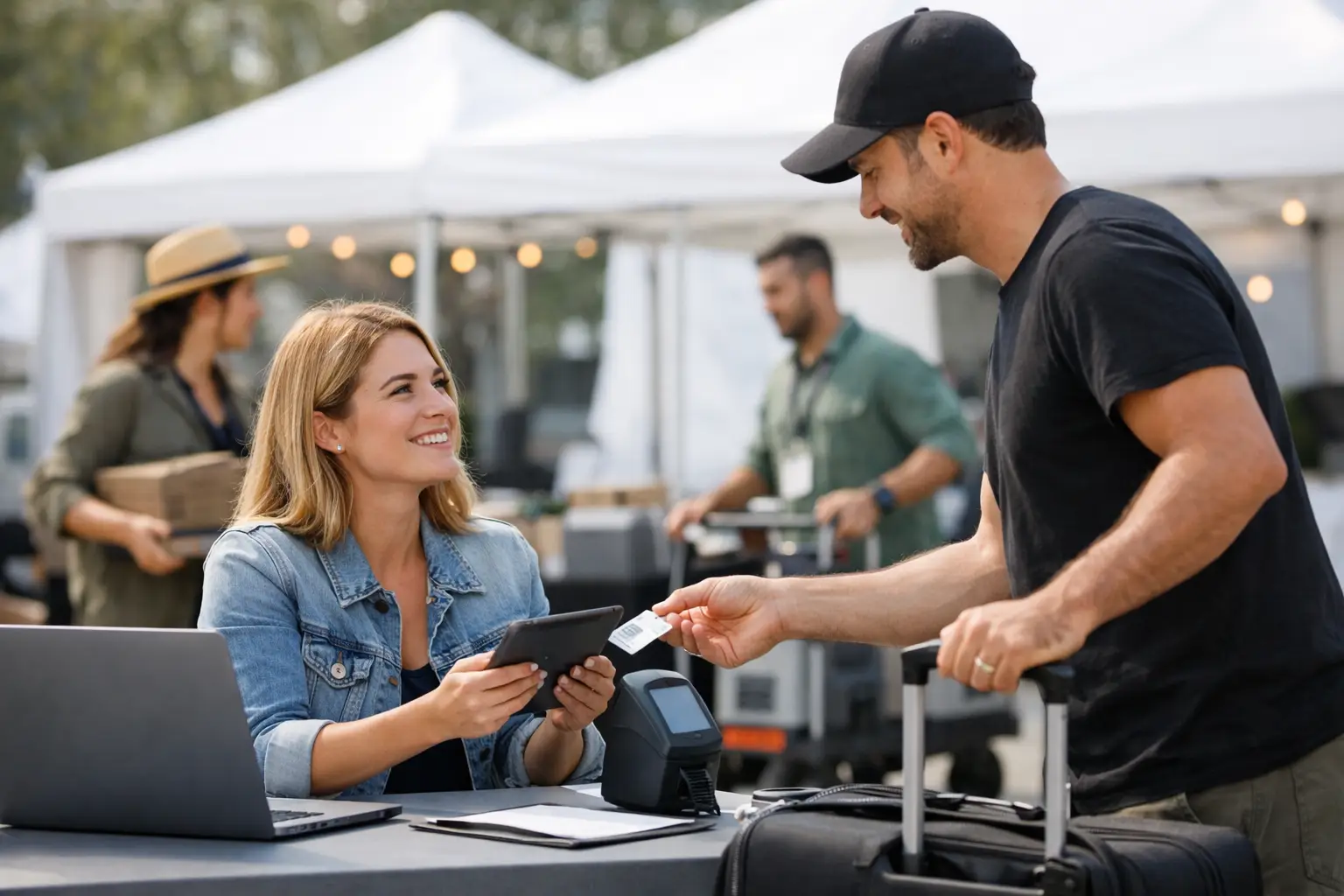
A vendor arriving at 6:40 am with a loaded ute should not have to hunt for a volunteer, search through old emails, or queue behind ten other stallholders to find their site. Yet this is how many market mornings begin. Knowing how to streamline vendor check in means replacing that bottleneck with a clear, repeatable arrival process that gets vendors parked, briefed and ready to trade.
For organisers, faster check-in is not just a nice operational win. It protects bump-in schedules, reduces traffic at the gate, gives your team better visibility over who is on site, and starts vendor relationships on the right foot. For vendors, it means less stress before doors open and more time to set up stock, test EFTPOS and make the stall look its best.
Start with the arrival journey, not the check-in desk
The check-in desk is often blamed when the real problem starts days earlier. If vendors do not know where to enter, when to arrive, what paperwork they need or where they are allocated, no amount of speed at the gate will fix the queue.
Map the vendor journey from the road to the stall. Consider the entry gate, vehicle holding area, unloading route, site location, parking, power collection and final confirmation. At a food market, that journey may also include gas compliance, water access and council documentation. At a craft fair, it may be as simple as confirming a table location and unloading window. The right workflow depends on the event, but every vendor should know the next step before they reach it.
Send one practical arrival pack ahead of the event, ideally several days before bump-in. Keep it specific: arrival date and time, entrance address, site number, vehicle rules, unloading limits, contact details and a site map. A vague message asking vendors to arrive early simply creates a larger queue earlier in the morning.
How to streamline vendor check in with timed arrivals
Timed arrival windows are one of the simplest ways to reduce gate congestion. Rather than asking 80 vendors to arrive between 6:00 and 7:00 am, group them by site zone, vehicle size and setup needs.
Food vendors with trailers, generators or larger equipment need more room and more time. Place them in earlier windows where possible. Smaller retail stalls can arrive later, particularly if they can carry stock from nearby vendor parking. Vendors in the furthest section of the grounds may need to enter first so they are not blocked by vehicles unloading closer to the gate.
This is not about being overly rigid. Community events have late deliveries, traffic delays and vendors managing young families or staff. The goal is to create a default flow, then give your operations team enough information to make sensible exceptions. A vendor who calls ahead with a delay is easier to accommodate than one who appears unexpectedly during peak bump-in.
Use reminders the day before and on the morning of the event. The message should repeat only the essentials: their arrival window, entry point, site number and the person to contact if something changes. Vendors are often packing stock late the night before, so they need clarity rather than a long operational document.
Replace paper chasing with a live vendor record
Paper lists, printed applications and handwritten site notes create slow handovers and make it hard to see what is actually happening. A digital vendor record gives the gate team one source of truth.
Before event day, make sure each vendor profile includes their business name, contact person, mobile number, vehicle registration where relevant, site allocation, arrival window, payment status and required documents. Flag anything that needs attention, such as an outstanding public liability certificate, a power request, an accessibility need or a missing food permit.
At check-in, staff should be able to find a vendor by name, business name, site number or QR code. They can then confirm arrival, record any changes and see the instructions that apply to that stall. This prevents the familiar problem of a volunteer sending a vendor to site B14 while the site manager is working from a newer spreadsheet that says B16.
A platform such as Evntle can centralise vendor applications, site planning and event-day operations in the same workspace. That matters because an approved application should flow into the operational record, rather than forcing your team to copy details across multiple tools.
Digital check-in also creates a useful record after the event. You can see who arrived late, which zones backed up, whether vendors required extra support and where your planned timing did not match reality. Those details make the next event easier to run.
Give each role a narrow, clear job
A busy gate becomes chaotic when every team member is trying to solve every problem. Set up clear roles before bump-in begins.
Your gate marshal manages vehicle flow and keeps the entrance clear. The check-in lead verifies arrivals and handles missing information. Site runners guide vendors to their bays and report blocked access or allocation issues. The operations manager handles exceptions, including double-booked sites, no-shows, unsafe vehicles or vendors who arrive outside their slot.
For smaller markets, one person may cover more than one role. That is fine if the process is still defined. What causes delays is not a small team - it is a team that has no agreed handover point.
Brief staff with real scenarios, not just a checklist. What should they do when a vendor has no site number? Who approves a request to move closer to power? What happens if a van cannot fit through the allocated entry? A five-minute pre-event briefing on these decisions can prevent thirty-minute disputes at the gate.
Make site information visual and usable
A site plan only helps if it is accurate, easy to read and available to the people making decisions. Labels should match what vendors see on their confirmation, what staff see in the system and what is physically marked on the ground.
Use clearly named zones, visible bay numbers and practical landmarks such as the main gate, amenities block, power point or loading lane. Avoid plans that look tidy on a laptop but are impossible to follow in low light, rain or a crowded showground.
If your event has a large footprint, give runners zone-specific maps rather than asking them to navigate a full-site plan every time. Vendors should receive a mobile-friendly version before they arrive, while your on-site team needs a live view that can account for last-minute changes.
There is a trade-off here. Sending every operational detail to every vendor can cause confusion, especially when layouts change. Share the information each vendor needs to reach and set up at their own stall. Keep broader contingency plans with the operations team.
Build an exception lane into the process
Even well-run events have exceptions. A vendor may have been allocated the wrong dimensions, a stallholder may arrive with an extra vehicle, or a food operator may need urgent access to water. Treating these issues in the main check-in queue slows everyone down.
Create an exception lane or designated escalation point. Staff can acknowledge the vendor, mark their arrival, then move the issue to the appropriate person without holding up other vehicles. The vendor still feels seen, and the standard arrival flow keeps moving.
Common exceptions should have pre-agreed responses. If a vendor has not paid, can they trade after settling at the gate? If their documentation has expired, who makes the final decision? If they are a no-show by a certain time, can the site be reassigned? Clear rules protect staff from having to negotiate policy under pressure.
Measure the moments that create delay
Do not judge check-in only by whether the gates eventually opened. Track practical measures: average time from arrival to site, queue length at peak periods, late arrivals, site changes, unresolved compliance issues and the number of radio calls needed to locate a vendor.
Ask vendors one short question after the event: was bump-in clear and easy to follow? Their answer can reveal gaps your team misses, such as confusing signage, inaccurate map pins or arrival windows that do not account for local traffic.
Keep improving one friction point at a time. If the gate is clear but unloading blocks the lane, fix the unloading plan. If vendors reach their bays quickly but cannot find power access, improve site details. Operational clarity is built through small, visible improvements that people notice on event day.
A calm vendor arrival sets the pace for the whole event. When stallholders can enter, unload and get trading without chasing answers, organisers have more time to manage the experience that attendees actually see.
📖 Related
See the KDS and POS in action — try the live demo or create a free account.