
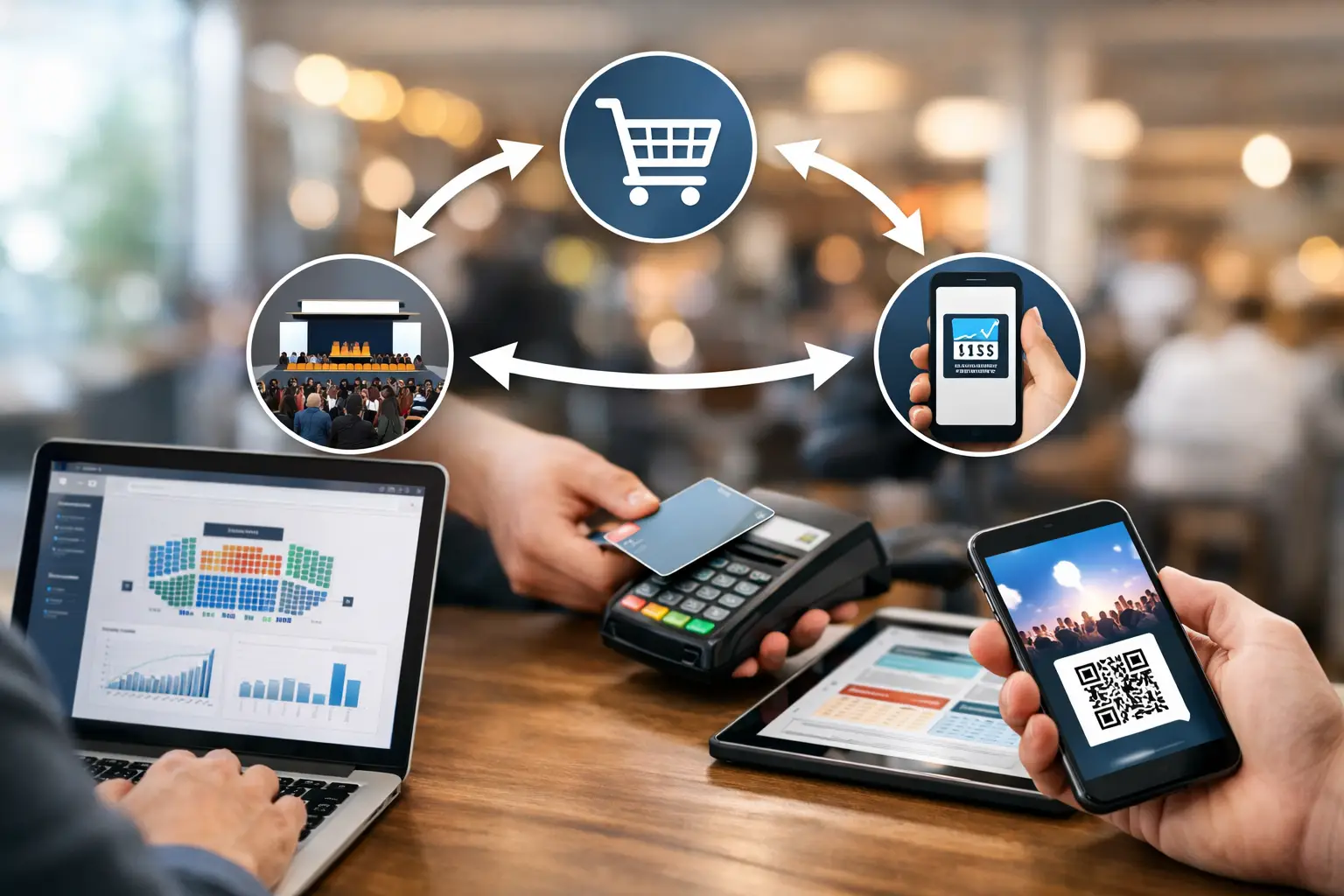
A customer buys the last hand-poured candle from your stall at 10:14am. At 10:16am, someone online places an order for the same item. By lunchtime, you are checking payment notifications, handwritten notes and two different stock counts to work out what actually sold.
That is the real problem behind how to sync event sales. It is not just about making a daily total look tidy. It is about keeping stock, payments, customer details and sales reporting connected while your business is moving quickly at a market, fair, convention or food event.
For vendors, synced sales prevent overselling and make it easier to see which products earn their spot in the ute. For organisers, reliable transaction data helps show vendor performance, improve future event planning and build a stronger event economy. The best setup gives everyone a clearer view without forcing stallholders to become accountants between customers.
What it means to sync event sales
Syncing event sales means that every sale, wherever it happens, updates the same source of truth. A tap payment at your stall, an online order placed before the event, a click-and-collect purchase and a post-event sale should all feed into one connected record.
At a minimum, your system should align four things: inventory, payments, orders and reporting. If one of these sits outside the workflow, the numbers can look right while the operation is still messy. For example, a POS may record card sales correctly but fail to reduce online inventory. Or online orders may be captured, but customer details never make it into your follow-up list.
The goal is not to force every sales channel to work in exactly the same way. A coffee van, a vintage clothing seller and a gaming merchant each have different needs on event day. The goal is to ensure their sales data lands in one place quickly enough to support good decisions.
Start with one sales and stock record
The fastest way to create confusion is to treat your market POS, online shop and manual orders as separate businesses. Before choosing integrations or adding devices, decide where your definitive stock and order information will live.
For many event vendors, that record needs to handle product variants, event-day sales, online storefront orders and stock adjustments. If you sell tees in multiple sizes, collectibles by condition or food with limited daily portions, each variation needs its own count. A single total labelled “shirts” will not stop a customer ordering a medium that sold out two hours ago.
Set up product names and SKUs consistently across channels. Your “Blue Ceramic Mug” should not become “Blue Mug”, “Ceramic Cup Blue” and “Mug 12” in three systems. Clear product data makes reporting useful, speeds up checkout and reduces the chance of syncing the wrong item.
If you operate with limited event stock, decide whether your online inventory will be shared in real time or allocated separately. Real-time shared stock is usually best when your system can update quickly and your internet connection is dependable. Separate allocations can be safer for high-volume events with patchy connectivity, but they require a clear process for moving stock between channels.
Build a simple event inventory rule
Choose the rule before you load the car. You might bring 20 units of a product to the market, reserve five for click-and-collect, and leave the remaining stock available online. Or you might make all 20 available everywhere until they sell.
Neither approach is always right. Shared inventory gives customers more choice, while allocated inventory protects pre-orders and avoids event-day surprises. What matters is that the rule is visible in your system and understood by anyone working the stall.
Connect every way customers buy
Event sales rarely happen only at the counter. Customers may discover you in an event listing, browse your storefront before attending, message to reserve an item, buy at the stall, then return online a week later. A connected setup lets those interactions support each other rather than disappear into separate apps.
Your POS should record in-person payments against the same products listed online. Your online storefront should reduce available stock when an order is paid. Pre-orders and click-and-collect orders need a clear fulfilment status, so a staff member does not accidentally sell a reserved item from the display.
Cash still needs a place in the workflow. Even if card is your main payment method, recording cash sales in the same POS or sales system is essential. Otherwise, your product totals and payment totals will not match at pack-down. Add refunds, discounts, gift vouchers and complimentary items too. Small gaps in transaction recording become big reporting problems across a full season.
A platform built for live event commerce, such as Evntle, can reduce the hand-offs by bringing vendor storefronts, event operations and point-of-sale activity into a connected environment. The value is practical: less duplicate entry, faster stock updates and a clearer view of what is happening across an event.
Set up devices for real event conditions
Sales syncing can fail because the workflow was designed from a desk, not from a windy marquee with a queue waiting. Test your hardware and permissions before gates open.
Make sure every device is signed into the correct business account and event profile. If two staff members use separate tablets, confirm that both can access the same catalogue and inventory. Set permissions based on the role: casual staff may need to process sales, while the owner may be the only person able to issue refunds, adjust stock or view full reports.
Connectivity deserves a backup plan. Mobile reception can vary dramatically between showgrounds, halls and regional markets. Use a reliable mobile data option where possible, keep devices charged, and understand how your POS handles offline transactions. Offline mode can keep a queue moving, but it may delay stock updates until the connection returns. At that point, shared inventory can briefly become less accurate.
For high-demand or limited products, consider keeping a small buffer rather than listing every final unit online. It is a trade-off, but it is better than explaining an avoidable oversell to a customer.
Reconcile sales before you pack down
A sync is only useful if you check that it worked. Build a short close-of-day process that takes minutes, not hours.
First, compare POS takings with your payment terminal settlement and cash float. Then review the order list for open, cancelled, refunded or unfulfilled transactions. Finally, check key stock lines, especially best sellers, limited editions and pre-orders. You do not need to count every item at every event, but a quick spot check can reveal a scanning error or an incorrect stock adjustment before it follows you into the next trading day.
If the figures do not match, do not simply edit the final total until it looks right. Find the reason. Common causes include cash not entered into the POS, duplicate orders, a staff discount applied incorrectly, an offline payment still waiting to sync, or a product sold under the wrong variant.
Document recurring issues. If the same problem appears at every event, it is a process problem, not a one-off mistake. Perhaps staff need clearer product labels, the stock transfer step is being skipped, or your checkout screen needs fewer choices.
Use synced data to plan the next event
Once sales are connected, reporting becomes more than a tax-time task. You can see which products sell at particular event types, which locations produce higher average order values, and whether pre-event online browsing converts into stall purchases.
A craft seller may find that smaller giftable products move fastest at community markets, while larger statement pieces sell better after customers have viewed them online. A food operator might see that lunch-hour demand changes by venue, helping them prepare the right quantity and reduce waste. An organiser can use vendor and category data to shape a better event mix without relying solely on anecdotal feedback.
Be careful not to overreact to one event. Rain, school holidays, a competing festival or an awkward site position can distort the numbers. Look for patterns across several events, then combine the data with what your team saw on the ground.
Give customers one connected experience
Customers do not care which system held their order. They care that the product is available, the payment works, and collection is straightforward. Syncing event sales supports that expectation.
Use consistent product photos, names and prices across your storefront and event POS. Make it easy to identify click-and-collect orders. If you collect customer details with permission, use them thoughtfully for receipts, collection updates and relevant future event announcements. Do not turn a one-time purchase into unwanted noise.
The strongest event businesses treat the stall, storefront and event listing as parts of one customer journey. A person might discover an event online, save a vendor, buy on the day and return later for another purchase. When your sales systems are connected, that journey is easier to manage and much easier to grow.
Start with the channels that create the most manual work, connect them to one stock and order record, then test the process under real event pressure. A clean sales sync will not replace good products or friendly service, but it gives both a better chance to do their job.
📖 Related
See the KDS and POS in action — try the live demo or create a free account.