
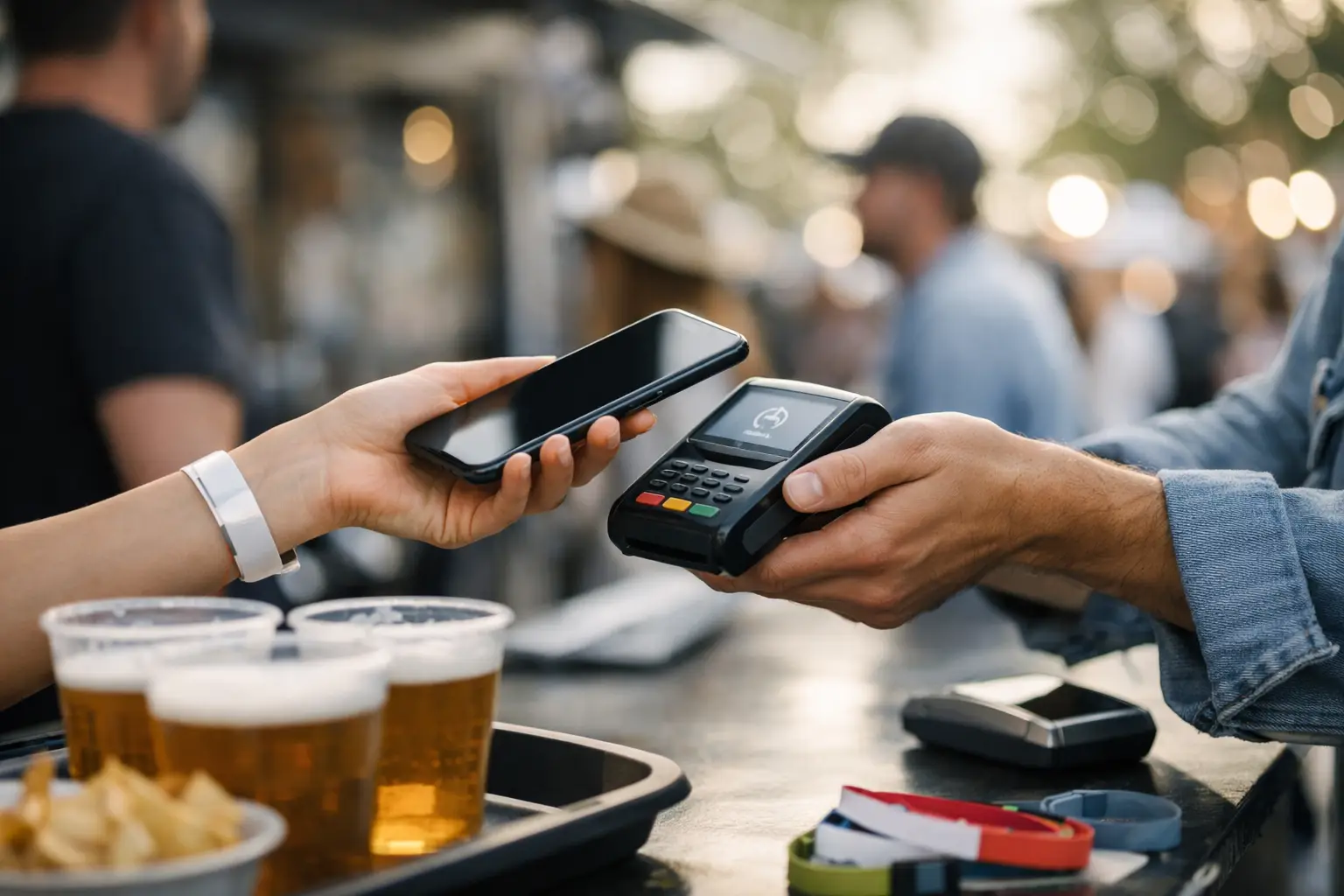
A busy Saturday market can turn a great product line into a queue problem in minutes. If customers can see what they want but cannot tap, pay, or get through checkout quickly, sales stall and patience runs thin. To prepare cashless sales for events, vendors and organisers need more than a card reader in a tote bag. They need a setup that holds up under real event conditions: patchy reception, peak-hour crowds, multiple staff members, refunds, and a long day away from a power point.
Cashless payments are now a standard expectation at farmers markets, food events, craft fairs, conventions and car shows across Australia. The opportunity is clear: faster transactions can keep lines moving and make impulse purchases easier. The trade-off is that your payment operation becomes a critical part of event-day planning. A few small checks before gates open can protect a full day of trading.
Prepare cashless sales for events before bump-in
Start with the basics: confirm exactly how you will take payment, who has access to the account, and what happens if the primary device fails. This sounds simple, but many event-day issues come from terminals that were not paired, staff who do not know the refund process, or funds being routed to an old bank account.
Test your point of sale system with a real low-value transaction before leaving for the event. Check that product names, prices, GST settings, discounts and variations are correct. For a food stall, that might mean confirming add-ons such as oat milk or extra toppings. For a vintage seller, it may mean making sure each one-off item can be sold without creating inventory confusion.
If you use a connected event platform such as Evntle, set up your stall information and products in advance so your sales activity is not separated from your wider event operations. The point is not to add another screen. It is to give your team a clearer view of what is selling, where stock is moving, and how the day performed.
Choose payment methods your customers actually use
For most Australian events, contactless card payments and mobile wallets should be the foundation. Customers expect to tap with a physical card, phone or watch. QR-based payment options can be useful in some settings, particularly for pre-orders or when a customer wants to pay from their own device, but they should not slow down a straightforward counter sale.
Avoid offering every possible payment method just because it exists. More options can mean more decisions for staff and more room for error. Choose a primary method that is fast and familiar, then keep one practical backup. The right mix depends on your crowd: a high-volume coffee queue has different needs from a specialist collector selling higher-value items at a convention.
Check connectivity before you commit
Cashless sales rely on a connection, whether that is mobile data, venue Wi-Fi or a terminal’s built-in SIM. Never assume an outdoor site, showground pavilion or regional event will have usable signal because your mobile worked there once.
Ask the organiser about network conditions, expected attendance and whether vendor Wi-Fi is available. If Wi-Fi is offered, test it during bump-in rather than trusting the network name and password. A network that works with 30 exhibitors may struggle once hundreds of attendees arrive and start sharing photos, streaming video and checking maps.
Bring a mobile data backup where possible. A second device on another network can be valuable, especially if your terminal supports tethering. For larger events, organisers can help by gathering connectivity feedback from vendors after each event and identifying known black spots in the site plan.
Build a checkout that keeps the queue moving
Your payment terminal is only one part of checkout. The full customer journey includes choosing an item, confirming the price, paying, receiving the product and leaving the counter. Every unnecessary question or handover adds seconds, and seconds become a long line at peak times.
Set out your stall so customers can see prices before they reach the front. Clear signage reduces repeated questions and lets people make decisions while they wait. Place your terminal where staff can turn it towards the customer without stretching over products, cords or hot equipment. For food vendors, keep payment away from the hand-off area so one person is not trying to take payment, prepare an order and call names at once.
A second checkout can be worthwhile when queues are predictable, but only if it solves the real bottleneck. If the delay is food preparation or gift wrapping, another terminal will not fix it. If payment is the slowdown, a second device and a clearly assigned staff member can make a meaningful difference.
Make prices and surcharges clear
Customers should know the price before they tap. Displaying prices clearly is good service and reduces awkward conversations at the counter. If your business applies a card payment surcharge, make it visible before the customer commits to payment and ensure it is configured correctly in your POS.
For many small vendors, absorbing the card cost can be simpler than explaining a small surcharge repeatedly during a busy rush. There is no universal answer. Look at your average transaction value, margins and customer expectations, then use one consistent policy across your stall and online storefront.
Protect your power, devices and account access
A flat terminal at 2 pm is avoidable. Charge every device overnight, pack cables, power banks and a compatible multi-board if your site has access to power. Keep charging gear dry and out of walkways. Outdoor events need an extra layer of planning for rain, heat, dust and accidental spills.
Bring a backup device if cashless payments are central to your revenue. It could be a second terminal, a configured tablet, or a mobile with the required payment app and account access. Do not leave setup until the failure happens. Log in, update software and confirm permissions before event day.
Account security matters too. Use individual staff logins where your system supports them instead of sharing one password across the team. Restrict refunds, voids and end-of-day reporting to the people who need those permissions. This makes handovers cleaner and gives you a better record if a transaction needs to be checked later.
Train staff for the awkward moments
The best training is short, specific and done before the queue forms. Show staff how to start a sale, apply a discount, find an item, process a refund and handle a declined transaction. Give them a simple script for common issues: ask the customer to try another card or payment method, check the terminal connection, and never promise that a payment has failed until the system confirms it.
Staff should also know when not to improvise. If a terminal shows an unclear status, do not run the same transaction repeatedly. Duplicate charges damage trust and create admin work after the event. Record the transaction time, amount and last four digits where appropriate, then resolve it through the payment system’s proper process.
For organisers, a vendor briefing should cover practical payment expectations alongside bump-in times, vehicle access and safety rules. Let vendors know where help is available, what connectivity has been tested, and how to report an incident during the event. A well-run event is built from these operational details.
Plan for outages without abandoning the sale
Even strong preparation cannot guarantee a perfect signal all day. Decide your fallback process before the outage. Depending on your provider and risk settings, your terminal may support offline transactions. Understand the conditions, transaction limits and risks before relying on this feature, as approval is not always guaranteed once the device reconnects.
If offline payments are not appropriate, use a clear, calm process. Pause card transactions briefly, direct customers to any available connection point if one exists, or offer to hold an item while they return. For made-to-order food, avoid taking orders you cannot confidently process. It is better to manage a short pause honestly than create a line of disputed sales.
Do not treat cash as the only backup by default. Some customers will carry none, and handling cash introduces float, security and reconciliation tasks. If you do accept it, keep the cash process separate and record each sale accurately so your end-of-day totals still make sense.
Reconcile while the event is still fresh
At close, compare your POS sales total with payment terminal settlements, cash takings if relevant, refunds and any manually recorded exceptions. Small discrepancies are easier to investigate when the team remembers what happened. Check stock movement too, especially for high-value or limited items.
Review the day with practical questions: When did the queue build? Did the connection drop? Which products sold fastest? Did one payment device or staff workflow create friction? For recurring markets, these insights are more valuable than a generic sales total. They help you improve the next trading day with evidence, not guesswork.
Cashless sales work best when they feel invisible to the customer: they choose, tap and get on with enjoying the event. Prepare the system behind that moment, and your stall has more time for the conversations, products and community that bring people back.
📖 Related
See the KDS and POS in action — try the live demo or create a free account.