
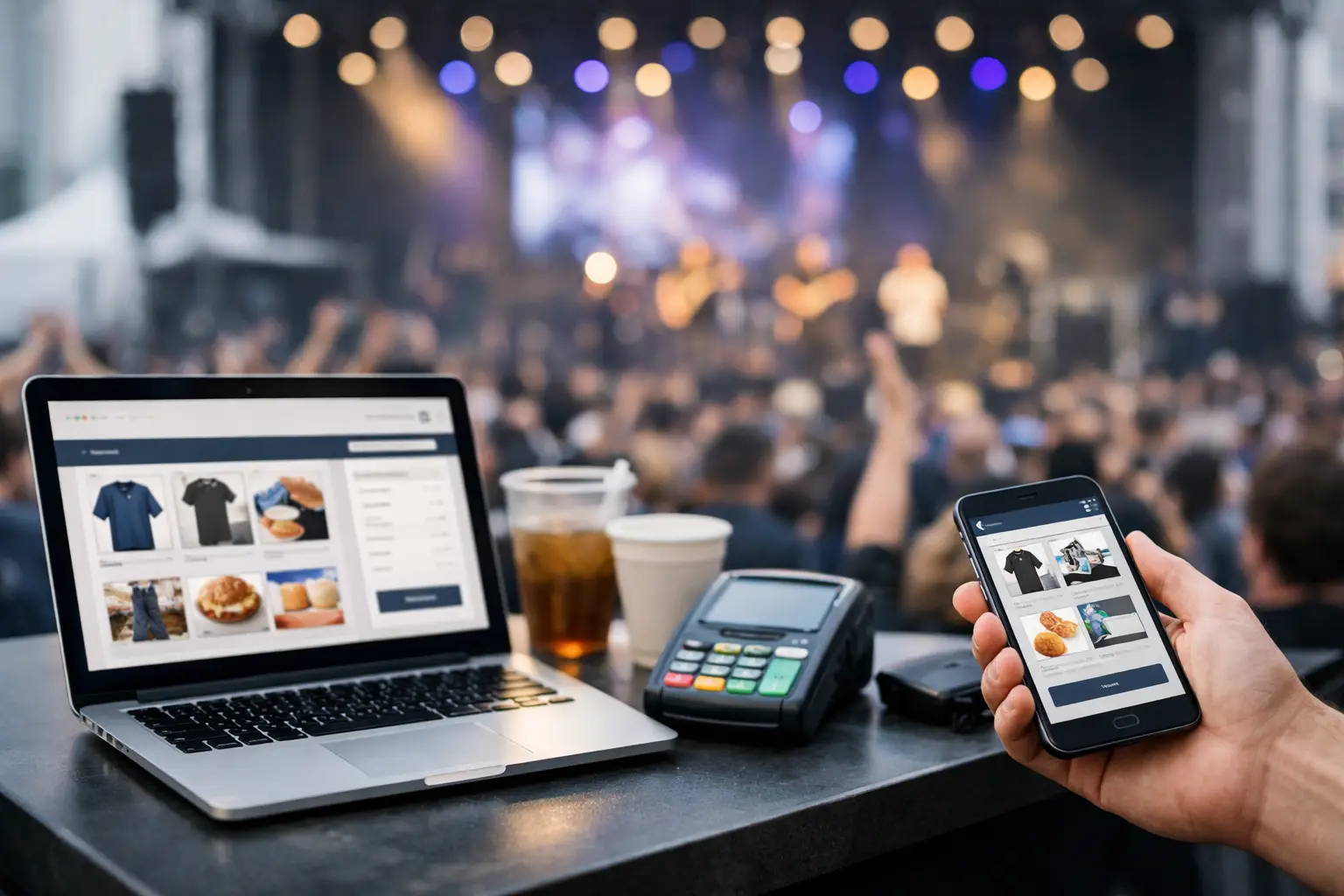
A Saturday market can look simple from the footpath: stalls set up, customers browsing, coffee pouring and EFTPOS terminals tapping away. Behind the scenes, organisers are chasing vendor paperwork, sellers are counting stock, and attendees are trying to work out which events are worth the drive. That is the gap event commerce software is designed to close.
Event commerce software is a purpose-built platform for running the commercial side of live events. It brings together the tools that organisers, vendors and attendees need before, during and after an event: vendor applications, site plans, selling tools, storefronts, event listings, customer engagement and reporting. Rather than treating an event as just a ticket sale or a directory listing, it treats it as a connected local marketplace.
For a farmers market, a craft fair, a food festival or a gaming convention, that connection matters. The event is where vendors meet customers, but the work begins well before gates open and continues long after bump-out.
What is event commerce software used for?
At its core, event commerce software helps people sell, coordinate and discover. It gives an organiser a structured way to recruit and manage vendors, allocate sites and see how an event is performing. It gives a stallholder a place to manage sales and build a digital presence beyond one weekend. It gives attendees a clearer path to finding events, previewing vendors and planning their visit.
A generic event platform may help publish a date, sell tickets or send an email. A generic point-of-sale system may process a card payment. Both can be useful, but neither is built around the realities of running a physical market or vendor-led event.
Event commerce software connects those separate moments. A vendor can apply for a stall, be approved, receive site details, sell on the day, collect customer details with permission, and keep selling through an online storefront. The organiser can manage the same vendor journey without pulling information from spreadsheets, forms, inboxes and separate payment systems.
The result is less double handling and a more useful picture of what is happening across the event ecosystem.
Why live events need more than ticketing
Ticketing is only one transaction type. Many community events are free to enter, while vendors still need to take payments, organisers need to manage stall fees and attendees want to know what they can buy before they arrive. Even ticketed events often rely on a busy vendor floor to create the experience people came for.
Consider a vintage market. The organiser needs applications that capture product categories, insurance details and site requirements. They may need to prevent five sellers offering the same type of product in the same aisle. Vendors need an efficient way to take payments, manage products and bring returning shoppers back after the event. Attendees may want to favourite sellers, check trading times and find a particular stall without wandering every row.
Those workflows do not belong in a ticketing tool alone. They need a system designed around event-day commerce and the relationships that make recurring events grow.
It supports three connected groups
The strongest event commerce platforms are not just organiser software with a vendor login added on. They recognise that organisers, vendors and attendees have different jobs, but benefit from shared information.
Organisers need control. That includes application workflows, vendor records, site planning, communications, incident logging, event reporting and clear operational visibility across mobile and desktop devices.
Vendors need momentum. A food operator, maker or specialty retailer needs to process sales quickly, manage stock, capture leads, present their brand professionally and be discovered by customers outside a single event date.
Attendees need confidence. They are more likely to attend when they can find relevant events, see who is trading, browse products or menus and share a plan with friends. For local events, better discovery can turn a casual browser into a repeat visitor.
The features that make it event commerce software
The exact feature mix depends on the event category and its scale. A monthly makers market has different needs from a two-day car show. Still, practical event commerce software usually brings several operational layers into one place:
- Vendor onboarding and applications, including approvals, documents, fees and communications.
- Site and event operations tools for allocating stalls, recording incidents and keeping teams aligned on event day.
- Point-of-sale and vendor commerce features for taking payments, managing products and reviewing sales activity.
- Vendor storefronts and discovery profiles that help sellers stay visible between events.
- Attendee-facing event listings, vendor browsing, favourites, reviews and sharing.
- Analytics that help users understand vendor performance, attendance patterns, sales activity and event outcomes.
The value is not simply having a long feature list. It is how the information moves between each part of the event. When an approved vendor appears in the event directory, has an assigned site and can trade through the same ecosystem, everyone has fewer details to re-enter and fewer places for errors to hide.
How it changes the organiser workflow
For organisers, the biggest gain is operational clarity. Instead of collecting applications through one form, checking documents in email, drawing stall layouts separately and sending updates through several channels, they can manage a consistent workflow from enquiry to post-event review.
That creates better decisions, not just tidier admin. An organiser can see which vendor categories are overrepresented, identify returning stallholders, track payment status and respond faster when a vendor needs power, vehicle access or a site change. During an event, mobile access matters because the work is happening on the grounds, not behind a desk.
It also gives recurring events a better foundation. When vendor histories, site preferences and previous event data are retained, planning the next market does not begin from scratch. A well-run event becomes easier to repeat, improve and scale.
There is a trade-off. A platform will not fix unclear event rules, poor site design or last-minute communication. Organisers still need defined application criteria, realistic deadlines and a process their team will follow. Software makes a good operation more consistent; it does not replace operational ownership.
How it helps vendors sell beyond the stall
For vendors, event commerce software should do more than process a tap payment. The useful version supports a complete selling journey: being found, applying to suitable events, setting up products, trading efficiently and giving customers a reason to return.
A vendor storefront is particularly valuable for sellers who move between markets, festivals and pop-ups. It provides a consistent home for their products and event presence, rather than leaving customers to search social media after seeing a stall once. Custom branding and a dedicated web address can make a small business feel more established without the cost or complexity of building a separate ecommerce operation.
On-site point-of-sale tools also matter because queues are unforgiving. A slow checkout can mean a customer walks away, especially at a busy food stall or a crowded convention. Vendors need clear product setup, reliable payment workflows and reporting that shows what sold, when it sold and where demand was strongest.
That said, not every vendor needs every feature on day one. A first-time candle maker may start with a simple profile and basic sales tools. A mobile food operator trading several events each week may place more value on quick transactions, repeat customers and detailed reporting. Good software should meet both where they are.
What attendees gain from the platform
Attendee discovery is often treated as marketing, but it is also a commerce function. When people can find an event that matches their interests and preview vendors before they leave home, they arrive with more intent. They know which food stall they want to try, which maker they want to visit and whether the trip suits their weekend.
For organisers, this creates a stronger event proposition. For vendors, it delivers better-qualified foot traffic. For attendees, it replaces vague social posts and scattered information with a clearer way to explore local experiences.
Community features can extend that value. Favourites, reviews and sharing give people a reason to return to an event directory after the day is over. They also help good vendors build recognition over time, which is especially useful for independent sellers without a large advertising budget.
Choosing the right event commerce platform
The best choice depends on the type of events you run and the level of coordination involved. A small once-a-year fundraiser may only need basic registrations and payments. A recurring market, food precinct or vendor-heavy festival usually benefits more from connected vendor management, site operations, commerce and discovery.
Start by looking at the hand-offs that currently create friction. If vendor applications live in forms, site maps live in PDFs, payment data lives elsewhere and customer enquiries arrive through social media, the issue is not a lack of effort. It is a fragmented operating model.
Look for a platform that is easy for all three groups to adopt. Organisers need controls without a long implementation project. Vendors need a low-friction way to join and trade. Attendees need an experience that feels useful on a mobile, not like back-office software published to the public.
Evntle is built around this connected model, bringing event operations, vendor tools and attendee discovery into one ecosystem for real-world markets, fairs, conventions and community events.
The most useful next step is to map one upcoming event from vendor application to the final sale. Wherever the same detail is entered twice, a customer cannot find a seller, or a team member has to chase an answer manually, there is an opportunity to make the event easier to run and better to return to.
📖 Related
See the KDS and POS in action — try the live demo or create a free account.