
All in One Event Platform for Food Vendors and Stallholders
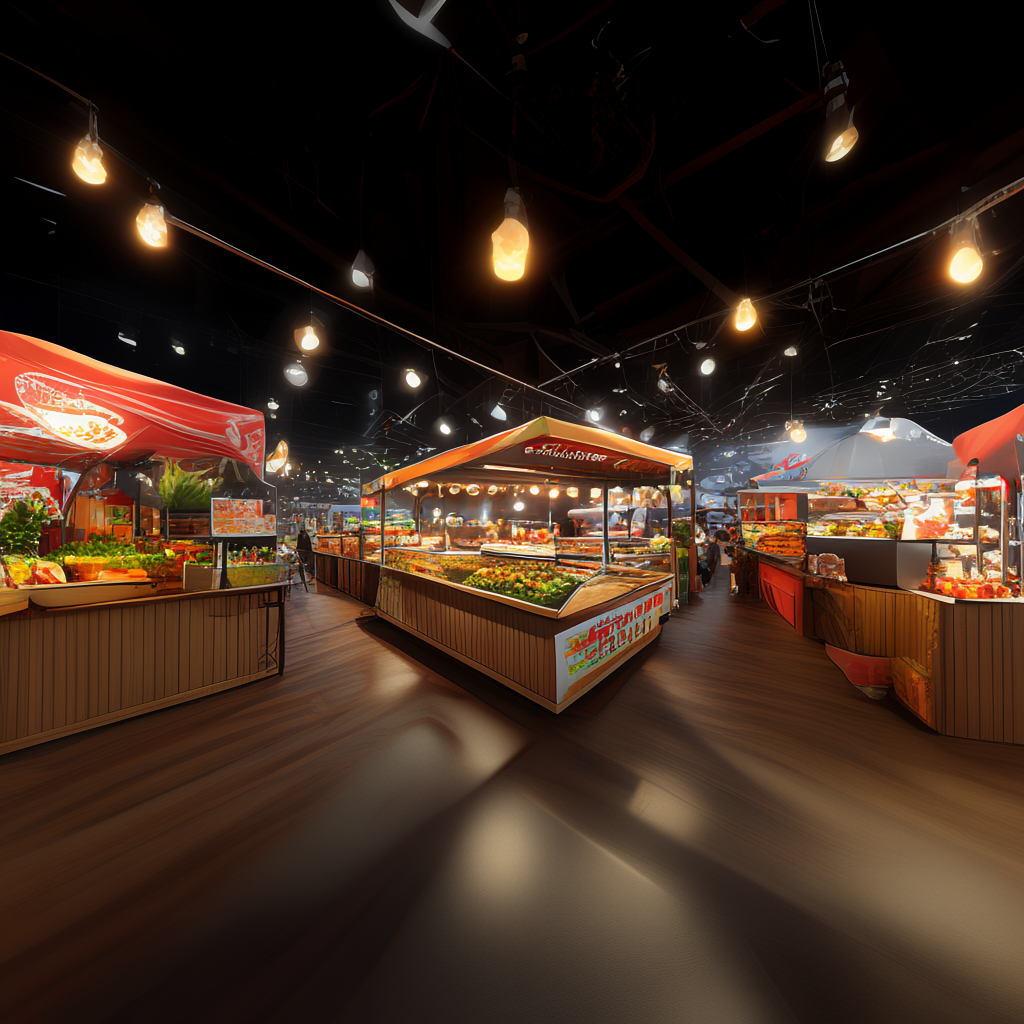
An all in one event platform for food vendors and stallholders is software that runs vendor applications, site planning, point of sale, cashless payments, allergen tracking and sales reporting from a single login. Instead of juggling spreadsheets, inboxes and three different card readers, you get one system that handles the whole event day. For Australian market organisers and food vendors, that means fewer surprises at bump-in, faster queues at peak lunch, accurate allergen records, and clear numbers the next morning. This guide explains how the best all in one event platform works in practice, what to look for, and how to choose one that fits real market conditions.
What Is an All in One Event Platform for Food Vendors and Stallholders?
An all in one event platform for food vendors and stallholders connects the three parts of any live event that usually live in separate tools: vendor operations, event-day selling, and attendee engagement. Most organisers start with a spreadsheet for applications, a folder of PDFs for permits, a card reader per stall, and a Facebook group for comms. That setup works until it doesn't.
Spreadsheets and inboxes stop working somewhere around 60 vendors. That's when double-booked sites, missing insurance certificates and unpaid stall fees start eating your weekend.
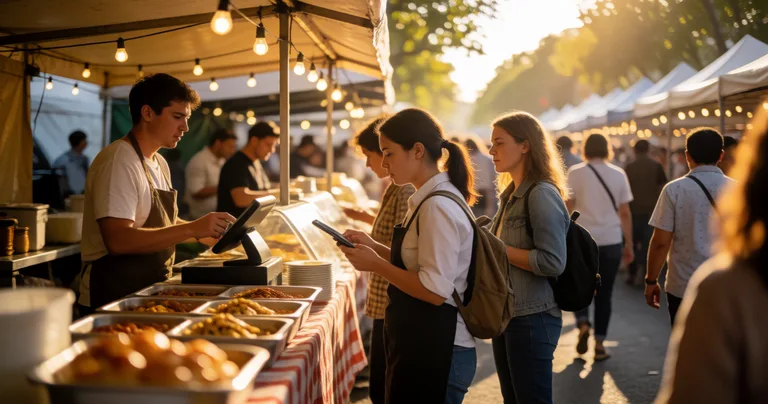
A connected platform pulls those jobs into one place. The vendor applies through a portal. You approve, assign a site on a map, and issue a GST-correct invoice. On event day, the vendor bumps in, checks in, sells through a POS that syncs across every device, and finishes with a sales report that flows back to you. The attendee sees the stall on a discovery listing before they arrive.
The core modules you should expect
- Vendor applications and onboarding — forms, review pipeline, insurance and permit uploads, approvals and waitlists
- Site planning and stall assignment — interactive maps, zones, parking passes and bump-in windows
- Point of sale and cashless payments — mobile POS, tap-to-pay, split payments and offline mode
- Food safety and allergen tracking — allergen badges on POS items, disclaimers and compliance records
- Analytics and reporting — live sales dashboards, vendor performance and end-of-event summaries
- Event discovery — attendee-facing listings and vendor profiles that drive foot traffic
If a platform only does one of these jobs, you're still running a spreadsheet somewhere. The point of an all in one system is to remove that gap.
Why Food Vendors and Stallholders Need an All in One Event Platform
Food vendors feel the pain of disconnected tools faster than anyone. A burger stall doing 300 covers in a three-hour lunch rush can't afford a card reader that drops out, a menu that lists the wrong allergen, or a queue that snakes past three other stalls.
According to the Australian Food and Grocery Council, food and grocery manufacturing is one of Australia's largest manufacturing sectors, contributing around $40 billion a year to the economy. That scale means food safety expectations are high and getting higher. The Food Standards Australia New Zealand (FSANZ) Food Standards Code requires food businesses to declare allergens clearly, and market stallholders are not exempt.
Stallholders also lose money to admin. Every hour spent chasing a permit, reconciling a deposit or reprinting a menu is an hour not spent selling.
"The stallholders who make the most money at a market aren't the ones with the best product. They're the ones whose queues move fastest and whose setup is boringly reliable."
— Evntle, market operations team
What 'all in one' actually saves you
- Time at bump-in. Pre-assigned sites, digital check-in and clear arrival windows mean vendors stop circling the oval looking for their spot.
- Time at the till. A POS with product bundles and modifier templates keeps service fast even when the queue builds.
- Time after the event. Sales reports, vendor performance and incident logs are already in the system — no manual reconciliation.
- Risk. Allergen badges, permit uploads and incident records give you the paper trail councils and insurers want.
How Do I Choose an All in One Event Platform for Food Vendors?
Choosing the right platform comes down to five practical questions. Ask them before you sign anything.
1. Does the POS work offline?
Markets are often in parks, showgrounds and regional towns where mobile coverage is patchy. If your POS needs a live connection to take a payment, you'll lose sales the moment the signal drops. Look for offline mode that queues transactions and syncs automatically when you reconnect.
2. Can it handle allergens properly?
Allergen tracking isn't a nice-to-have. It's a legal and reputational requirement. The platform should let vendors declare allergens in their store profile, display badges on POS item cards and in the order cart, and support a custom disclaimer. Evntle supports 13 common allergens plus a custom disclaimer field, which covers the vast majority of Australian food stall scenarios.
3. Does it connect vendors, sites and payments?
If your site plan lives in one tool and your vendor invoices live in another, you'll still be reconciling at midnight. Look for a platform where the approved vendor, their assigned site, their stall fee and their event-day sales all sit under the same vendor record.
4. What does reporting look like the next morning?
You want live revenue dashboards, top-selling items, peak hour heatmaps and an end-of-event summary. Vendors want to know which products sold best and which events performed. If the platform can't produce that, you're guessing.
5. How fast can a vendor get set up?
Pre-built POS templates by business type — Food & Beverage, Clothing, Arts & Crafts, Farm Produce, Jewellery, Services — save hours. A food vendor should be able to load categories, modifiers and sample items in minutes, not days.
Run a live demo with a real menu before you commit. Load your ten best-selling items, add a modifier group, and take a test payment on the device you'll actually use on event day. If that takes more than 15 minutes, the platform is too slow for a market stall.
Site Planning, Bump-In and Bump-Out: Where Events Are Won or Lost
Site planning is the quiet difference between a smooth event and a chaotic one. Get it right and bump-in runs itself. Get it wrong and you're mediating three disputes before 7am.
Good site planning software lets you map stalls, zones, power points, water access and parking on an interactive layout. You can assign sites, move vendors when plans change, and push updates straight to the vendor portal so everyone sees the same version.
Bump-in and bump-out tracking matters just as much. Vendors need to know their arrival window. Organisers need to know who's on site, who's running late and who's packed down. A checklist-based workflow with timestamped records protects you when a vendor claims they arrived on time and the site wasn't ready.
A practical bump-in sequence that works
- 48 hours out: Send each vendor their site number, arrival window, parking pass and a bump-in checklist via the vendor portal.
- Bump-in day: Vendors check in digitally on arrival. The organiser dashboard shows live arrivals against the schedule.
- Setup window: Any incident — a missing power lead, a damaged site, a no-show — is logged with severity and an assigned owner.
- Pre-open: Run a stall inspection checklist covering fire safety, clear pathways, electrical safety and presentation.
- Bump-out: Vendors check out, waste is confirmed, and the record is timestamped for council and insurance purposes.
If you want a deeper walkthrough of the vendor-side logistics, the guide on stallholder booking software in Australia covers applications, deposits and waitlists in detail.
Cashless Payments and Fast Queues at Food Stalls
Cash is fading fast at Australian markets. Attendees expect to tap and go, and vendors who can't take a card lose the sale — often to the stall next door.
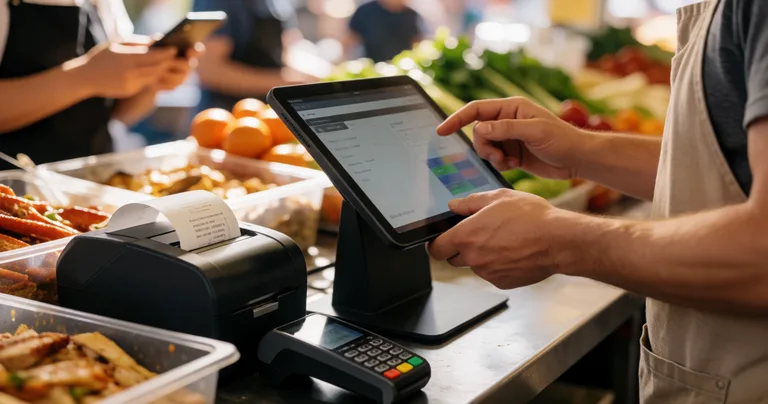
A cashless terminal or mobile POS does more than take money. It tracks stock, applies product bundles, prints thermal receipts via Bluetooth, and syncs sales across every device in real time. When you run multiple stalls or a food truck plus a market stand, that sync is the difference between accurate totals and a guessing game at pack-down.
Queue management is the other half of the equation. A kitchen display system (KDS) shows orders as they land, and an order board gives customers visibility so they don't crowd the counter. Together they cut perceived wait time, which is often the real reason people walk away.
For a detailed comparison of terminal options, see the mobile checkout for stallholders guide, which covers connectivity, fees and checkout speed across the main Australian options.
Never rely on a single payment device at a busy food stall. Have a backup terminal and a printed offline procedure. A dropped connection at 12:30pm on a Saturday is a $2,000 problem.
Cashless setup checklist for food vendors
- Primary terminal plus a backup device, both charged and tested
- Offline mode enabled and tested with a live transaction
- Product bundles and modifiers loaded before bump-in
- Staff trained on split payments and refunds
- Thermal printer paired and receipt paper stocked
- End-of-day reconciliation process documented
Allergen Tracking and Food Safety Compliance for Market Vendors
Food safety compliance is non-negotiable at Australian markets. Councils inspect, customers ask, and one mislabelled dish can shut a stall down.
The FSANZ Food Standards Code requires food businesses to declare the presence of common allergens — including peanuts, tree nuts, eggs, milk, wheat, soy, fish, shellfish, sesame and others — in a clear and accessible way. For market vendors, that means menus, signage and any digital ordering system must all agree.
An all in one platform keeps those records in one place. When a vendor declares allergens in their store profile, the POS can display badges on item cards and in the order cart automatically. That removes the risk of a staff member forgetting to mention an allergen at the till.
Compliance also covers the paperwork side: ingredient sourcing declarations, stall inspection records, incident reports and waste oil disposal. Templates for each of these are available in the platform, so vendors and organisers aren't building forms from scratch.
For a full breakdown of what's required, the guide on food safety compliance for market vendors in Australia walks through the standards code, inspection expectations and record-keeping.
Data table: food safety records an all in one platform should hold
| Record type | Who maintains it | Why it matters |
|---|---|---|
| Allergen declarations | Vendor | Legal requirement under FSANZ code; protects customers |
| Ingredient sourcing declarations | Vendor | Traceability if a recall or complaint occurs |
| Stall inspection checklists | Organiser | Evidence of due diligence for councils and insurers |
| Incident reports | Organiser / staff | Timestamped record of what happened and who acted |
| Waste oil and waste disposal records | Vendor / organiser | Environmental compliance and theft prevention |
Analytics and Sales Reporting for Organisers and Vendors
Data is where an all in one platform pays for itself. When POS, vendor applications and site plans live in the same system, the reporting is joined up. You can see which vendors performed, which sites generated the most foot traffic, and which event times were busiest.
Vendors benefit too. A stallholder who can see that their peak hour is 11am–1pm can roster staff accordingly. A vendor who knows their top three products can simplify their menu and cut prep time.
Data table: what to track and what it tells you
| Metric | What it reveals | Action it drives |
|---|---|---|
| Live revenue per vendor | Which stalls are trading strongly | Site placement for next event |
| Top-selling items | Menu demand patterns | Stock and prep planning |
| Peak hour heatmap | When queues build | Staff rostering and queue layout |
| Vendor performance by event | Which vendors suit which markets | Vendor mix and waitlist decisions |
| Attendance vs spend | Whether foot traffic converts | Promotion and pricing strategy |
"Organisers who track vendor-level sales don't just run better events. They build a vendor waitlist, because every stallholder wants to be at the market that sells."
— Evntle, market operations team
If you want to see how the reporting layer works alongside POS and order boards, the live demo shows the full flow without a sign-up.
Event Discovery and Attendee Engagement
Filling stalls is only half the job. You also need the right crowd to show up. Event discovery platforms let attendees find markets, preview vendors and plan their visit before they leave home.
For vendors, a storefront turns one-off event-day buyers into repeat customers. A customer who scans a QR code at the stall and follows the vendor's storefront is worth far more than a single transaction. Loyalty features that track repeat visits and reward regulars keep that loop going.
Attendee engagement isn't just about marketing. It's about dwell time. Longer dwell time means more spending, and more spending means vendors rebook. The cycle reinforces itself.
For practical promotion tactics, see the guide on event promotion that fills markets and stalls.
Frequently Asked Questions
Q: What is the best all in one event platform for stallholders?
A: The best platform is the one that covers vendor applications, site planning, POS, cashless payments, allergen tracking and reporting in a single system. Evntle is built for Australian markets and festivals, with offline POS mode, allergen badges on item cards, GST-correct invoicing and live sales dashboards for organisers and vendors.
Q: How do I choose an all in one event platform for food vendors?
A: Test five things: offline POS capability, allergen tracking, integration between vendor records and site plans, reporting quality, and setup speed. Run a live demo with your own menu and confirm a vendor can be onboarded and selling within 15 minutes.
Q: Can an all in one platform handle multiple food stalls with separate menus?
A: Yes. A multi-device POS with per-vendor menus, modifier groups and product bundles lets each stall run its own catalogue while the organiser sees consolidated sales across the whole event.
Q: Does the platform work if the market has no mobile coverage?
A: It should. Offline mode keeps critical functions running — taking payments, tracking bump-in and logging incidents — and syncs automatically when the device reconnects. Always test this before event day.
Q: How does allergen tracking work for market vendors?
A: Vendors declare allergens in their store profile. The POS then displays allergen badges on item cards and in the order cart, so staff and customers see the same information. Evntle supports 13 common allergens plus a custom disclaimer field.
Q: What reporting do organisers get after an event?
A: Live revenue dashboards during the event, then an end-of-event summary covering vendor performance, top-selling items, peak hour heatmaps and attendance. Reports export as CSV or PDF for committees, councils and insurers.
An all in one event platform for food vendors and stallholders isn't about replacing every tool you own. It's about removing the gaps where money, time and compliance slip through. When vendor applications, site plans, POS, allergen records and reporting live in one system, event day runs with fewer surprises and vendors sell more. Start by running a live demo with your own menu, then onboard one event and compare the admin load to your last spreadsheet-run market. The difference is usually obvious by lunchtime.
📖 Related
See the KDS and POS in action — try the live demo or create a free account.