
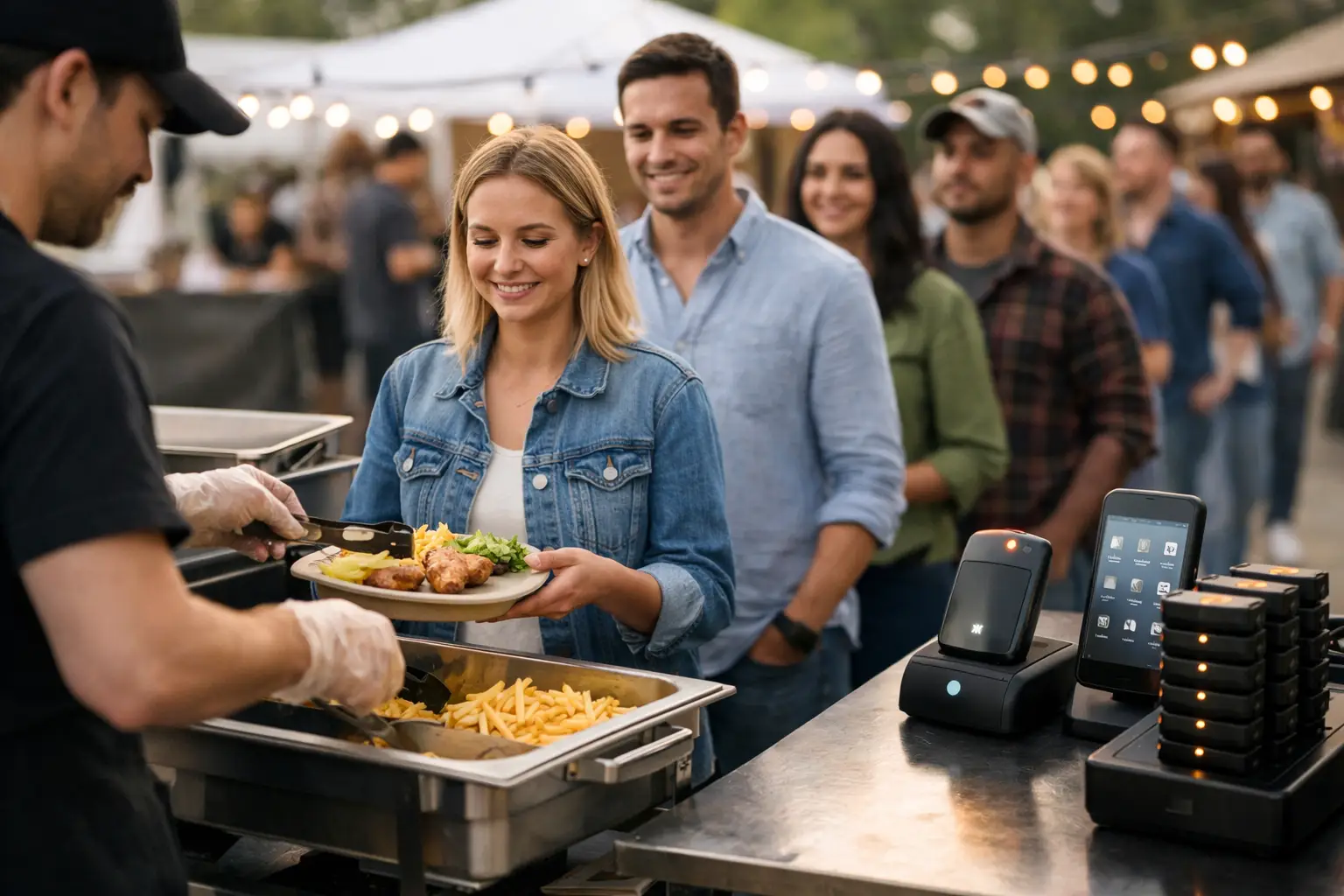
A lunch rush at a food market can turn in minutes. One popular stall gets backed up, customers block the walkway, EFTPOS payments slow the line, and the queue starts affecting every vendor nearby. The best food queue management tools do more than take an order faster. They give food operators, market organisers and customers a clearer way to move through service.
For a mobile food business, the right setup depends on how you sell. A coffee cart needs rapid tap-and-go payments. A burger stall needs orders routed accurately to the kitchen. A large food festival may need pre-ordering, pickup windows and live visibility across dozens of vendors. Start with the queue problem you actually have, then choose tools that fit event-day operations.
What makes a food queue tool useful at live events?
At a permanent venue, staff can rely on fixed internet, power and a predictable service flow. Events are less forgiving. You may be operating from a gazebo, food truck or marquee, managing patchy reception, changing site layouts and a short trading window where every lost minute costs sales.
A useful queue management tool should reduce friction at the point of sale while keeping the team informed. That can mean a fast POS terminal, a customer-facing order screen, kitchen tickets, digital ordering or a simple way to show when an order is ready. The strongest choice is rarely the one with the longest feature list. It is the one your crew can use confidently during a peak period.
For organisers, queue management also has a site-wide role. Long queues can create safety issues, congest footpaths and make an event feel poorly managed, even when vendors are selling well. Tools that bring vendor operations, site planning and real-time coordination into one place can help organisers act before a bottleneck becomes a problem.
7 best food queue management tools for markets and events
1. Square for fast, familiar counter service
Square is a practical choice for many small food operators because it is straightforward to set up and familiar to customers. Its hardware options support tap payments, while POS features can help staff build orders, manage modifiers and print or display tickets depending on the setup.
It is particularly suited to coffee carts, snack stalls and traders with a simple menu and high transaction volume. The trade-off is that a standard counter-based POS does not automatically solve a large physical queue. You still need a clear collection point, visible menu and enough staff to keep ordering and fulfilment moving separately.
2. me&u for QR ordering and table or zone service
me&u is built around digital ordering, allowing customers to browse, order and pay from their mobile. For food operators serving seated areas, beer gardens or managed event zones, this can remove pressure from the counter and create more opportunities for upsells.
It works best where customers have somewhere comfortable to wait and where tables, sections or pickup zones are clearly defined. At a busy open-air market, QR ordering can be less effective if mobile reception is weak, signage is unclear or customers simply prefer to order face-to-face. Test the full customer journey before relying on it for a major event.
3. Bopple for order-ahead food service
Bopple supports online ordering and customer pickup workflows, making it worth considering for cafés, food trucks and vendors who want customers to order before reaching the stall. Order-ahead can spread demand across a service window instead of forcing everyone into one visible line at midday.
The operational gain comes from setting realistic preparation times. If the kitchen is already at capacity, accepting more orders without adjusting wait times only moves the queue from the counter to the collection point. A clear ready-for-pickup process matters as much as the ordering page.
4. QikServe for larger venue ordering programmes
QikServe is geared towards digital ordering across hospitality environments, including mobile and kiosk-led service. It can suit larger festivals, stadium-style events and multi-outlet food operations that need a more structured ordering experience.
This category of platform is powerful when the event has the operational maturity to support it. It may require more planning around menus, integrations, connectivity, fulfilment rules and customer support. For a one-day local market with independent vendors, the setup can be more than the event needs. For a recurring high-volume event, it may be worth the investment.
5. Waitwhile for virtual queues and collection flow
Waitwhile focuses on queue and waitlist management rather than food payments. Customers can join a virtual queue, receive updates and return when their turn or order is ready. That makes it useful for popular stalls with limited preparation capacity, tastings, ticketed dining experiences or food activations where crowd control matters.
Used well, a virtual queue frees up physical space and gives customers permission to keep exploring the event. Used poorly, it can frustrate people if wait estimates are inaccurate. Assign someone to monitor the queue status and update times as service conditions change.
6. Lightspeed for detailed menus and growing operations
Lightspeed is suited to food businesses that need more detailed POS controls, such as menu variations, reporting and inventory visibility. It can be a good fit for established operators with multiple terminals, a broader product range or plans to trade across markets, pop-ups and fixed locations.
Its depth is useful, but it also means setup deserves attention. Build your menu before the event, keep button layouts simple and train staff on the exact service flow. A sophisticated POS will not speed up a queue if staff are searching through a crowded screen while customers wait.
7. Evntle for connected vendor and event operations
Evntle is designed for the wider live-event workflow, combining vendor operations, event management and on-site selling tools in one ecosystem. For organisers running food markets alongside craft, retail or community vendors, its value is in reducing the gaps between vendor applications, site planning, multi-device operations, sales activity and event-day coordination.
This approach is especially relevant when queues are not isolated to one stall. An organiser can use operational visibility to position vendors better, communicate with traders and manage the flow around busy areas. Food vendors benefit when the event itself is easier to navigate and customers can discover who is trading before they arrive.
How to choose the right food queue setup
Before comparing features, map your busiest 15 minutes. Where does the first delay occur? Is it customers reading a complicated menu, payment approval, food preparation, order handover or staff calling out names over crowd noise? The answer tells you whether you need a faster POS, digital ordering, a virtual queue or better physical stall design.
For most market vendors, the most reliable model separates three jobs: taking orders, making food and handing it over. Even a small stall can improve throughput by using one staff member for payments, another for preparation and a visible collection point away from the ordering line. A second terminal may deliver more value than a complex new app if payment is the real bottleneck.
Connectivity deserves its own plan. Confirm whether the site has dependable mobile coverage, bring charged backup devices, and understand what each platform can do if the connection drops. Check power access, receipt printer needs and whether your EFTPOS hardware is suitable for outdoor conditions. A tool that works perfectly in a shop may behave differently beside a generator in wet weather.
Organisers should also look beyond individual vendor tools. Share practical expectations before bump-in: where queues can form, how collection areas should be marked, who to contact if a line blocks an emergency route, and whether vendors can use order-ahead or QR signage. Small standards across the site make the attendee experience feel far more organised.
Build a queue experience customers will use
Technology works best when customers understand it at a glance. Put the menu where people can read it before reaching the counter. Show accepted payment methods early. Use simple signs for order, wait and collect. If you offer QR ordering, explain whether customers should wait nearby, explore the market or collect from a named window.
The goal is not to eliminate every queue. A busy food stall can create energy and social proof. The goal is to make waiting feel fair, predictable and separate from the moment someone wants to pay. When customers can order with confidence, keep moving through the event and collect without confusion, vendors protect sales and organisers create an event people want to return to.
📖 Related
See the KDS and POS in action — try the live demo or create a free account.