
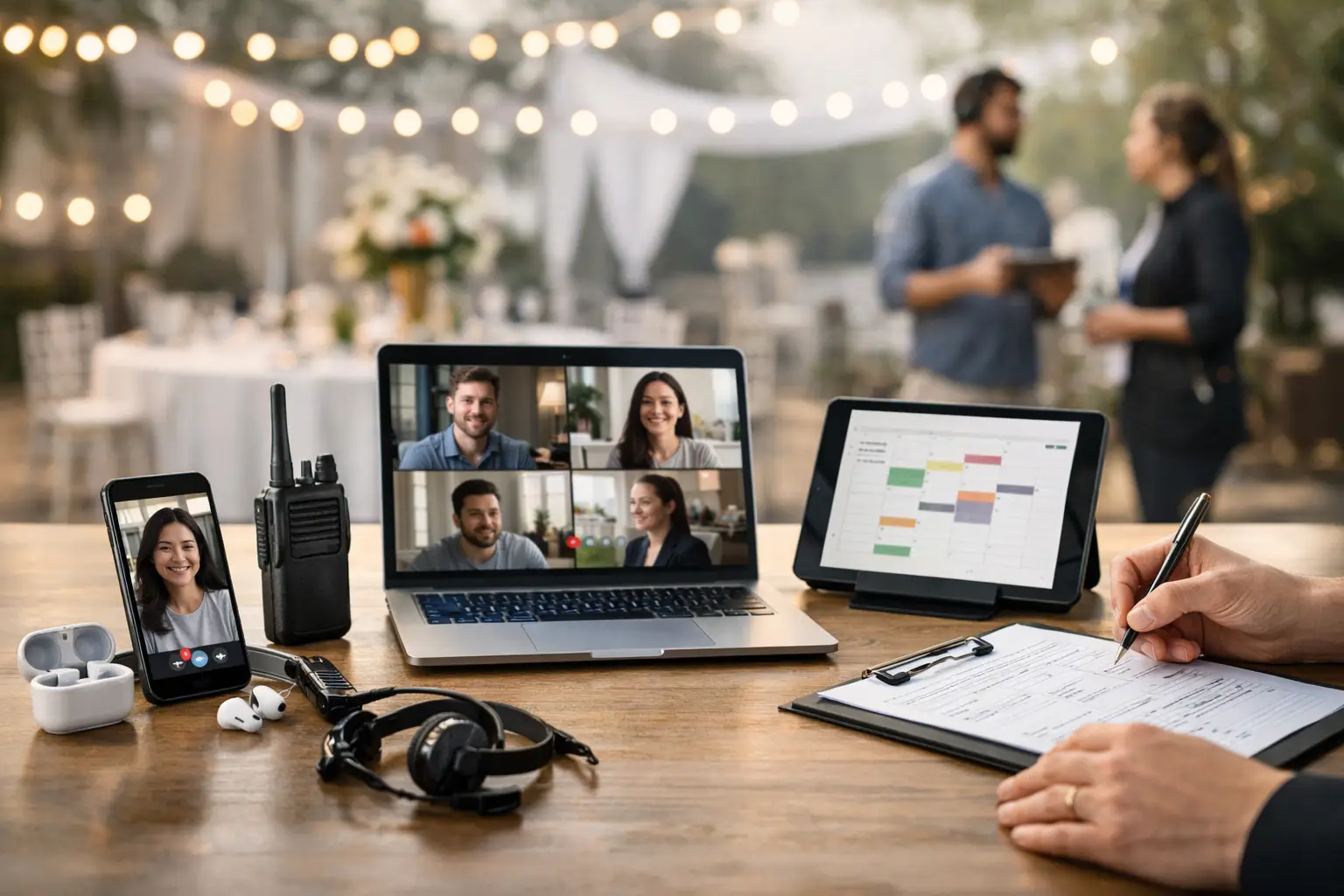
A vendor misses their bump-in time, another cannot find their site, and three stallholders message different team members asking whether power is included. None of these issues are unusual. They are what happens when event communication lives across inboxes, group chats, spreadsheets and memory. The best vendor communication tools give organisers one clear way to share instructions, collect information and respond quickly when plans change.
For markets, food events, craft fairs and conventions, the right tool is not necessarily the one with the most features. It is the one vendors will actually use from their mobile, while organisers can still find the latest information at 6 am on event day. A practical setup also recognises that different messages need different channels: an application update is not an urgent weather alert, and a site map should not disappear under 80 chat messages.
What makes a vendor communication tool useful?
Before comparing platforms, start with the event workflow. Vendors need clarity at every stage: applying, being accepted, paying, preparing, arriving, trading and packing down. Organisers need a record of what was sent, confirmation that key details were received, and a fast route for exceptions.
The strongest systems bring together four things: a reliable contact record, segmented messaging, a place for event documents and a live channel for urgent operational updates. If a tool only handles one of these jobs, it can still earn a place in your stack. The problem begins when every job requires a separate login and vendors have to guess which channel contains the final answer.
For recurring events, look beyond sending messages. Can the system retain vendor profiles, store preferences, record compliance documents and reuse event information? That operational history saves hours as your calendar grows.
8 best vendor communication tools for event teams
1. An event operations platform
For most organisers, an event-specific platform should be the centre of vendor communication. It connects applications, acceptance decisions, site allocation, vendor details and event-day information in one workflow. That means a vendor does not receive an approval email from one tool, a map from another, and a payment request from a third.
This is especially valuable when you manage stall sizes, power requirements, food permits, vehicle access or different arrival windows. A purpose-built platform can turn those fields into operational information rather than leaving your team to manually search email threads. Evntle, for example, is designed around vendor operations alongside event management, on-site selling and discovery, which suits organisers who want fewer disconnected systems.
The trade-off is setup. A central platform only improves communication when your forms, event rules and vendor categories are structured well from the start. Put the work into templates once, then reuse them for each market or festival.
2. Email marketing and automation software
Email remains the best channel for detailed, non-urgent communication. Use it for acceptance letters, terms and conditions, invoices, event packs, parking instructions and post-event feedback. It gives vendors a searchable record and gives organisers more room than a text message ever could.
Choose software that supports audience segments. Food vendors may need health and safety guidance, while jewellery sellers need a different bump-in route. Separating these groups reduces noise and makes each message more useful. Automated emails are also helpful for milestones, such as sending a reminder seven days before final paperwork is due.
Email is not the answer to a gate change at dawn. Open rates can be unreliable, and some vendors will not check their inbox once they are loading stock into a ute. Pair it with a faster channel for urgent notices.
3. SMS messaging
SMS is one of the most effective tools for time-sensitive messages because it is direct, short and difficult to miss. A text can tell affected vendors that heavy rain has moved bump-in from 7:00 am to 6:30 am, or that the southern entrance is closed. Keep it strictly operational so people continue to treat your messages as important.
Good SMS tools let organisers send to filtered groups rather than every vendor on the event list. You may need to alert only food trucks, exhibitors in one hall, or stallholders assigned to a particular access gate. Include the essential action in the first sentence and direct vendors to their event portal or email for full details.
Be mindful of consent, message costs and quiet hours. SMS is powerful precisely because it feels personal, so use it with discipline.
4. A vendor portal
A vendor portal is less about broadcasting messages and more about creating a single source of truth. Vendors can log in to check their approval status, submit documents, confirm attendance, view allocated sites and download event information without waiting for a reply.
This reduces the repetitive questions that overwhelm organisers in the final week. It also gives new staff a consistent answer: the current version is in the portal. For vendors who trade at several events each month, a portal feels more professional than chasing attachments across old emails.
The limitation is adoption. Vendors will not visit a portal every day, so do not rely on it alone for urgent change. Use email and SMS to notify them when there is something they need to review.
5. Group messaging apps
WhatsApp and similar group messaging apps can work well for a small, familiar vendor community. They are fast, mobile-first and useful when a market team needs live answers during pack-in or when weather conditions are changing quickly.
They can also become chaotic. One question about ice, tables or parking can trigger a long conversation that buries a critical safety message. Vendor phone numbers may be visible to everyone in the group, which is not appropriate for every event or business.
Use group chat for short-term coordination, not as your permanent event record. Set a clear purpose, name the group by event and date, and pin the key contact details and site map where possible.
6. Shared forms and checklists
Forms are simple, affordable and highly effective when the goal is to collect a decision or declaration. Ask vendors to confirm their attendance, nominate vehicle registration, request power, upload insurance, or acknowledge event rules. A well-designed form prevents the back-and-forth of open-ended emails.
The value comes from making responses usable. Required fields, deadlines and automatic confirmation messages help organisers identify who still needs follow-up. For complex events, avoid asking vendors to complete five different forms. Combine related questions and explain why each piece of information matters.
Forms do not replace a vendor database. They capture a moment in time, so make sure answers flow into the event record your team uses on site.
7. Project management tools
Project management software is often overlooked because vendors may never see it. Yet it can dramatically improve the communication they receive. Your internal team can assign application reviews, flag missing documents, track special requests and make sure no acceptance email is sent before a site is genuinely available.
This is most useful for larger fairs, conventions and multi-day festivals with several staff members. It creates accountability when tasks move between vendor management, operations, marketing and finance.
Keep internal notes separate from vendor-facing communication. A project board is where your team works through a problem; the vendor should receive one clear, considered response rather than a stream of partial updates.
8. Two-way radios and event-day messaging
When gates are opening and crowds are arriving, mobile data can be patchy and staff cannot always stop to read a screen. Two-way radios remain a practical choice for site managers, security, bump-in crews and operations leads. They are particularly useful across large outdoor sites, exhibition halls and regional locations with uneven reception.
Radios are for staff coordination, not broad vendor updates. Give vendors a clear help point, phone number or support channel, then let your operations team use radios to resolve issues quickly behind the scenes. A vendor who reports a blocked access lane should not need to know which staff member has been dispatched.
Build a communication rhythm vendors can trust
The best results come from predictable timing, not more messages. Send an immediate application confirmation, a clear acceptance or waitlist decision, a preparation pack well before the event, a final operational reminder a few days out, and urgent alerts only when needed. After the event, follow up while the experience is still fresh.
Each communication should answer the vendor's next practical question: What do I need to do, by when, and where can I find the current details? Put dates, arrival times and actions near the top. Avoid sending a seven-page event pack without a short message that tells people what has changed.
Also give vendors one recognised contact route. If they message an Instagram account, reply to a personal mobile and send documents to a generic inbox, confusion is built into the process. A central platform or portal can provide the record, while email, SMS and staff channels handle communication in the format that fits the moment.
The goal is not to make vendor communication feel automated. It is to remove preventable uncertainty, so vendors can set up faster, trade with confidence and come back for the next event.
📖 Related
See the KDS and POS in action — try the live demo or create a free account.