
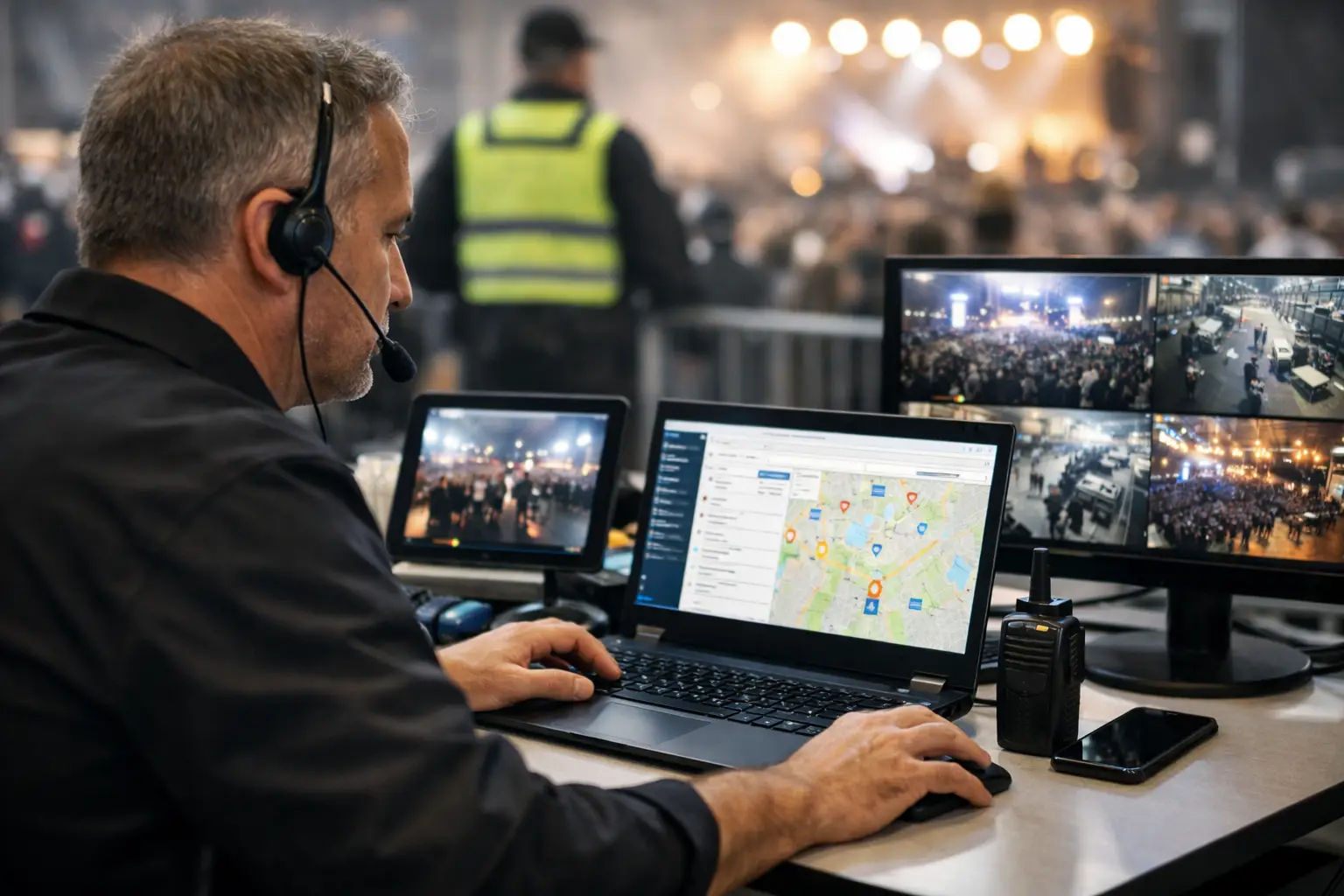
A power lead across a walkway, a vendor who has not arrived, a lost child report, a card terminal outage during the lunch rush: these are not the same problem, but they all demand the same thing. Someone needs to know what happened, who owns the next action and whether the issue is actually resolved. Event incident management software gives organisers that control without relying on scattered group chats, paper notes or a call to the person who may be too busy to answer.
For markets, fairs, conventions and community events, incident management is not only about major emergencies. It is the operating discipline that keeps small disruptions from becoming safety risks, vendor frustration or a poor attendee experience. The right system gives the event team one live record of what is happening on site, while creating a useful history for the next event.
What event incident management software should do
At its core, an incident tool should make reporting simple enough to use when the site is busy. A team member needs to record an issue from a mobile, add the location, select a category, describe what they can see and attach a photo if it helps. That report should immediately become visible to the people responsible for acting on it.
Speed matters, but context matters too. “Problem at gate two” is not a useful record. A strong report captures the time, exact site area, severity, people involved where appropriate and the action already taken. For a food market, that may mean noting a suspected gas issue at a particular stall and confirming the area has been cleared. At a gaming convention, it could mean recording an aisle blockage, identifying the exhibitor space and assigning a floor lead to resolve it.
The software should then support a clear lifecycle: reported, acknowledged, assigned, in progress, resolved and closed. Each status needs an owner. If a task sits in “reported” with no named person, it is not a workflow. It is simply a digital version of a note on a clipboard.
A useful incident record is more than a form
Good incident records protect both event-day execution and future planning. They show what happened, when the team responded and what was done. They also reveal patterns that are otherwise easy to miss: repeated queue congestion near one entrance, frequent power faults in the same zone, or vendors arriving late because bump-in instructions are unclear.
This does not mean every minor operational snag needs a lengthy report. The system should let organisers set practical categories and severity levels. A missing table may be a standard operations task. A trip hazard, medical issue, aggressive behaviour or food safety concern needs a formal incident trail. The difference should be obvious to staff before the gates open.
Build the workflow around real event roles
The best technology cannot compensate for an unclear chain of responsibility. Before choosing or configuring event incident management software, map out who reports, who triages and who can close each type of issue.
For a smaller craft market, the event manager may receive every report and assign it to a site marshal, security provider or vendor liaison. A larger show may need zone managers to triage issues within their own areas, with escalation to a central control point for high-priority incidents. The workflow should reflect the size and risk profile of the event rather than copy a corporate process designed for an office building.
Set permissions carefully. Casual event staff might be able to submit and view reports in their assigned zone, while organisers can assign incidents, see all notes and export a post-event report. Sensitive matters, including medical events or allegations of misconduct, may require restricted visibility. Clear access controls help teams act quickly without exposing information to people who do not need it.
Make site plans part of the response
An incident record is far more useful when it connects to the site plan. Staff should be able to identify a stall, gate, stage, car park or amenities block without guessing from a vague description. For recurring events, keeping vendor allocations and locations current means an organiser can immediately see which business is affected and how a nearby issue might affect foot traffic.
This is where connected event operations software has an advantage over a standalone reporting app. When vendor details, site plans, staff activity and event communications live in separate systems, the team spends valuable minutes finding context. A platform such as Evntle can bring site operations into the same environment as vendor management and event delivery, reducing the hand-offs that slow response down.
The incident categories that matter on site
Every event has its own risk profile, but most organisers benefit from a small set of clear categories. Safety and medical incidents, security concerns, crowd flow issues, infrastructure faults, weather impacts, vendor operational problems and lost property usually cover the majority of reports.
The aim is not to create an encyclopaedia of labels. Too many options make reporting slower and data harder to analyse. Start with categories your team will genuinely use, then add subcategories where patterns justify them. A food-focused event may separate gas, electrical and food safety issues. A car show may need categories for vehicle movement, fuel leaks and restricted-area access.
Severity should be equally practical. A simple low, medium and high scale is often enough if everyone understands the response expectation. A high-severity report might notify the event manager and security immediately, while a low-severity maintenance issue is assigned to the site team with a reasonable target time. The tool should support escalation, but the event plan must define what escalation means.
Keep reporting fast when conditions are messy
Event teams work outdoors, in noisy halls, near crowded gates and across patchy mobile coverage. If reporting an incident takes ten screens and a password reset, staff will call someone or write it down instead. Look for a mobile-first workflow with short forms, pre-set locations, quick photos and notifications that are easy to understand at a glance.
Offline capability can be valuable for regional events or sites with poor reception, although it adds complexity and should be tested before relying on it. If offline use is not available, establish a backup procedure: radio the control point, record the key details and enter the report when connectivity returns. Software should improve the process, not create a single point of failure.
Train people using realistic scenarios. Ask staff to report a blocked emergency exit, a vendor complaint and a welfare concern during pre-event briefing. You will quickly find out whether labels are confusing, notifications go to the wrong person or the site map needs clearer naming. This small rehearsal is more useful than asking everyone to read a policy document.
Use reporting data to improve the next event
The value of incident management grows after pack-down. Review incidents while the event is still fresh, focusing on response time, repeat locations, unresolved items and the causes behind common reports. A high number of queue issues may point to an entry design problem, not a staff performance problem. Repeated vendor access questions may mean the bump-in email needs clearer maps and arrival windows.
Share the right findings with the right people. Site teams need operational lessons, vendors need practical changes that affect them and leadership needs a clear view of risk and resourcing. Avoid turning the review into a blame exercise. The purpose is to make the next market safer, easier to run and better for the businesses paying to trade there.
For recurring events, compare data across dates and venues. Weather, attendance, layout and vendor mix all change the picture, so a single incident count rarely tells the whole story. Rates per attendee, per vendor or per operating hour can provide a fairer view of whether controls are working.
Choosing software without overcomplicating the job
The right choice depends on your event type. A one-day community market may need rapid mobile reporting, site-plan references and a straightforward end-of-day export. A multi-day convention may need role-based permissions, shift handovers, escalations and detailed audit trails. Do not pay for elaborate compliance features your team will never use, but do not settle for a generic task app that cannot record who acted, when and why.
Prioritise adoption. Ask whether casual staff can use the system after a short briefing, whether vendors have a clear channel for raising operational issues and whether organisers can see the whole event without chasing updates across text messages. A connected platform is particularly valuable when incidents need to link back to a vendor application, allocated stall, payment activity or site location.
A well-run event does not avoid every issue. It notices problems early, puts the right person on them and learns enough to make the next event run better. Give your team a clear reporting path before the gates open, and they can spend less time searching for answers and more time looking after the community on site.
📖 Related
See the KDS and POS in action — try the live demo or create a free account.