
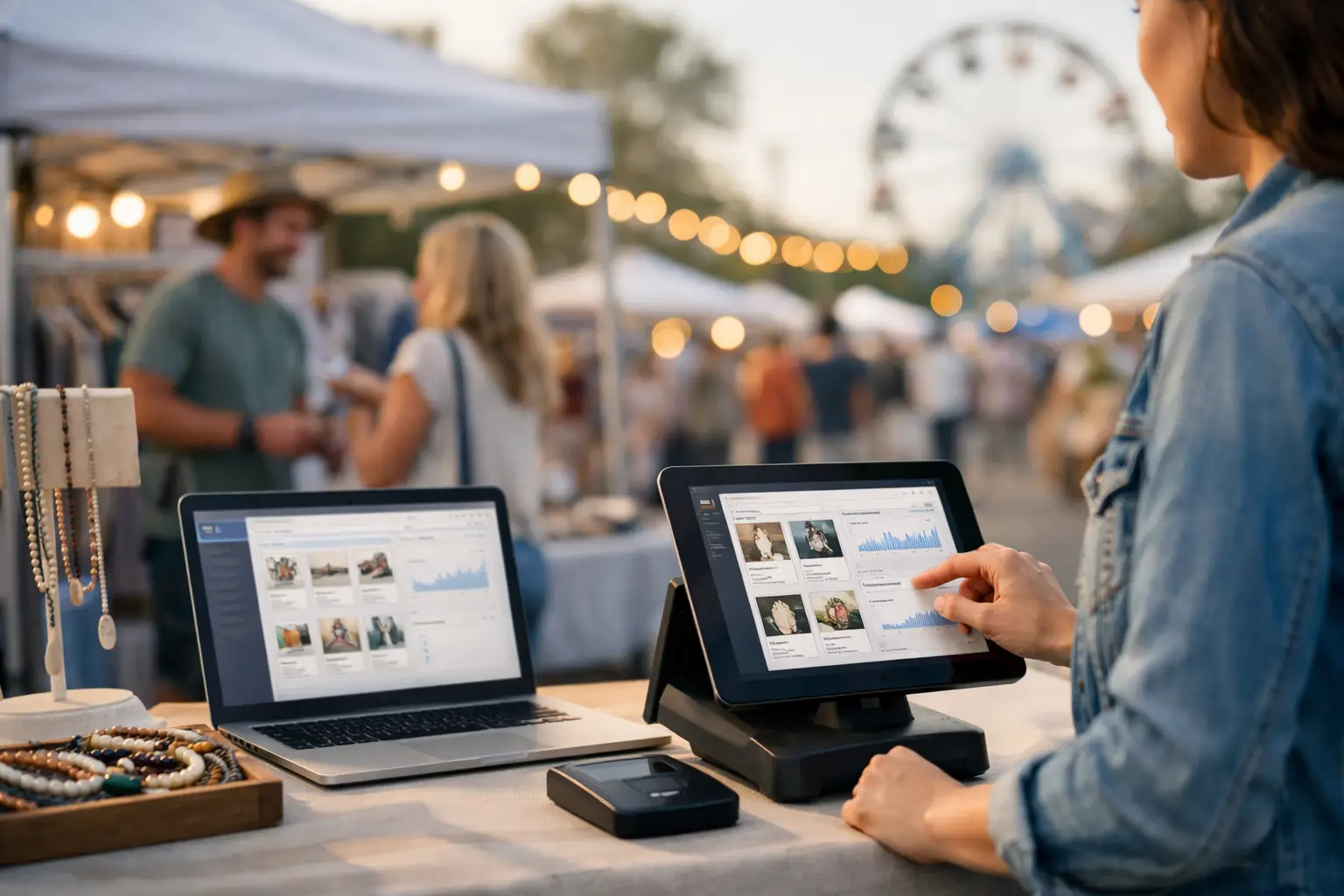
A busy market can put hundreds of people in front of your stall, but most will not be ready to buy everything they like on the spot. Vendor storefront software gives those customers somewhere to return: a branded digital shop where they can browse your range, remember your business and buy when the timing is right.
For market stallholders, food operators, makers and specialty retailers, that matters because an event is rarely just a single trading day. It is a chance to build a customer base. The right storefront turns passing foot traffic into a repeatable sales channel without adding another complicated system to your already full event kit.
What vendor storefront software should do for an event business
A vendor storefront is more than a basic profile page with a logo and contact details. It should make your business easy to find, easy to understand and easy to buy from, whether someone discovers you before an event, walks past your marquee, or searches for you weeks later.
For event sellers, the strongest storefront software connects the online experience to how you actually trade in person. Your product catalogue, business details, point of sale activity, event appearances and customer interactions should support one another. Otherwise, you end up updating the same information across social media, payment apps, event pages and spreadsheets - usually late at night before the next market.
A useful storefront gives customers clear answers: what do you sell, where will you be next, how can they order, and why should they come back? It should also help you run the business side of the stall, not simply make it look polished online.
Why a standalone online shop is not always enough
A conventional ecommerce platform can be a good fit for a business built around shipping products nationally. But event vendors work differently. Your stock may change by the weekend. Some products are made in limited batches. A food stall may be trading at three different locations in one week, while a vintage seller may have one-off pieces that sell within minutes.
Generic online shop tools often leave the event workflow disconnected. They do not naturally show customers where you will be trading next, help organisers coordinate vendor information, or connect a sale at the counter with the digital presence a customer viewed before arriving.
That does not mean every vendor needs to replace their existing website. If you have a well-established online store and a large shipping operation, adding another platform may create duplicate work. The question is whether your current setup supports the commercial reality of live events. If it does not, purpose-built vendor storefront software can close the gap.
The features that make a storefront useful on event day
The best platform will depend on whether you sell handmade jewellery, fresh produce, apparel, gaming merchandise or hot food. Still, a few capabilities consistently make the biggest difference for event-based businesses.
A storefront that looks like your business
Your stall has a visual identity: your signage, packaging, product photography and the way you speak to customers. Your online storefront should carry that through with your own branding and a simple web address or custom subdomain. Customers should recognise they have found the right seller, not feel as if they have landed on a generic marketplace listing.
Keep the page practical. Add a clear business description, quality images, current products or services, trading details and direct ways for customers to take action. A beautiful page with stale stock or last season's event dates does more harm than a smaller page that stays current.
Product and service visibility before customers arrive
People increasingly plan their visit before they leave home. They want to know whether the market has the food, collectables, gifts or specialist products they are looking for. A storefront lets them preview your range and decide that your stall is worth finding.
This is especially valuable at large fairs, gaming conventions and car shows where customers may only have a few hours and dozens of vendors to visit. A browsable catalogue helps serious buyers arrive with intent. For food operators, a current menu can reduce queue hesitation. For makers, product images can prompt customers to seek out a piece they saw online.
Event listings that turn discovery into foot traffic
Your storefront should not live in isolation. It needs a direct connection to the events where you trade. When customers can see your upcoming appearances alongside event details, they have a reason to visit rather than simply follow and forget.
This is where an event-focused ecosystem is different from a social profile. The customer can discover a local event, view participating vendors and identify the stalls they want to visit. Vendors gain visibility, while organisers create a more useful attendee experience. Everyone benefits from better information before gates open.
Point of sale and customer data in the same workflow
Event-day payments need to be quick. Your queue does not care that your online sales data is in one system, card transactions are in another and stock notes are on your mobile. A connected point of sale setup helps reduce that fragmentation.
Look for software that supports practical multi-device trading and gives you a reliable record of what sold, when it sold and where. The goal is not data for data's sake. It is knowing which event types perform well, which products move fastest and whether customers return after first finding you at a market.
Tools that encourage the second sale
A customer who buys once is valuable. A customer who comes back, follows your event schedule and recommends you to friends is how a stall grows beyond one good Saturday.
Lead capture, loyalty features and customer favourites can help keep that relationship active. Use them thoughtfully. Customers will share their details when there is a clear benefit, such as early notice of a limited release, a loyalty reward, or a reminder that you are appearing at a nearby market. Do not turn a friendly conversation at the counter into an aggressive data collection exercise.
How to choose vendor storefront software
Start with your operating model, not a feature checklist. A weekly farmers market vendor has different needs from a mobile food business at festivals, or a collectables seller travelling to conventions. Consider where your sales happen, how often your stock changes, whether you need pre-orders, and how much time you can realistically spend maintaining a storefront.
Then test the customer journey. Can someone find your business while browsing an event? Can they understand your offer in seconds on a mobile? Can they save your details or make a purchase without friction? If the answer is no, extra customisation will not solve the core problem.
Also assess the organiser connection. If you regularly apply to markets and fairs, software that supports vendor applications, event communication and site operations can remove significant admin. A storefront becomes more valuable when it is part of the same environment you use to get booked, prepare for the event and trade on the day.
Finally, be realistic about cost and complexity. The biggest platform is not automatically the best choice. Independent sellers need tools that can be set up quickly, learned between events and used confidently by casual staff. A free-entry option can be sensible when you want to validate the workflow before committing, provided the product still has room to support your growth.
Build a storefront customers will actually use
A storefront works best when it answers customer questions quickly. Start with a recognisable business name, strong images and a short explanation of what makes your range worth seeking out. Show your next event appearance prominently, and refresh products, menus or collections whenever they change.
Use the same name, visual style and product language across your stall signage, social channels and storefront. If a customer scans a QR code at your counter, the page they reach should feel familiar straight away. That consistency builds confidence, particularly for first-time buyers deciding whether to order again.
Avoid trying to publish your entire back catalogue on day one. Begin with your bestsellers, seasonal highlights or products that are hard for customers to find elsewhere. Add more as your process becomes routine. The aim is a storefront that remains useful after every event, not a one-off digital project that sits untouched.
A connected storefront creates a better event experience
For organisers, vendor storefronts make an event easier to promote because the vendor mix becomes visible and searchable before the day. For attendees, they replace the frustration of wandering through a venue hoping to find the stall they saw on social media. For vendors, they create a lasting home for the interest generated by a busy trading day.
Evntle brings these workflows together for live-event businesses, linking vendor storefronts, event discovery and operational tools in one event commerce platform. That connection matters when your business is built around real places, changing event calendars and face-to-face customer relationships.
Your next market may only run for a few hours. The customer relationship it starts can last much longer - if customers have an easy way to find you again.
📖 Related
See the KDS and POS in action — try the live demo or create a free account.