
POS System for Market Stallholders Australia: The 2026 Guide
POS System for Market Stallholders Australia: The Complete 2026 Guide
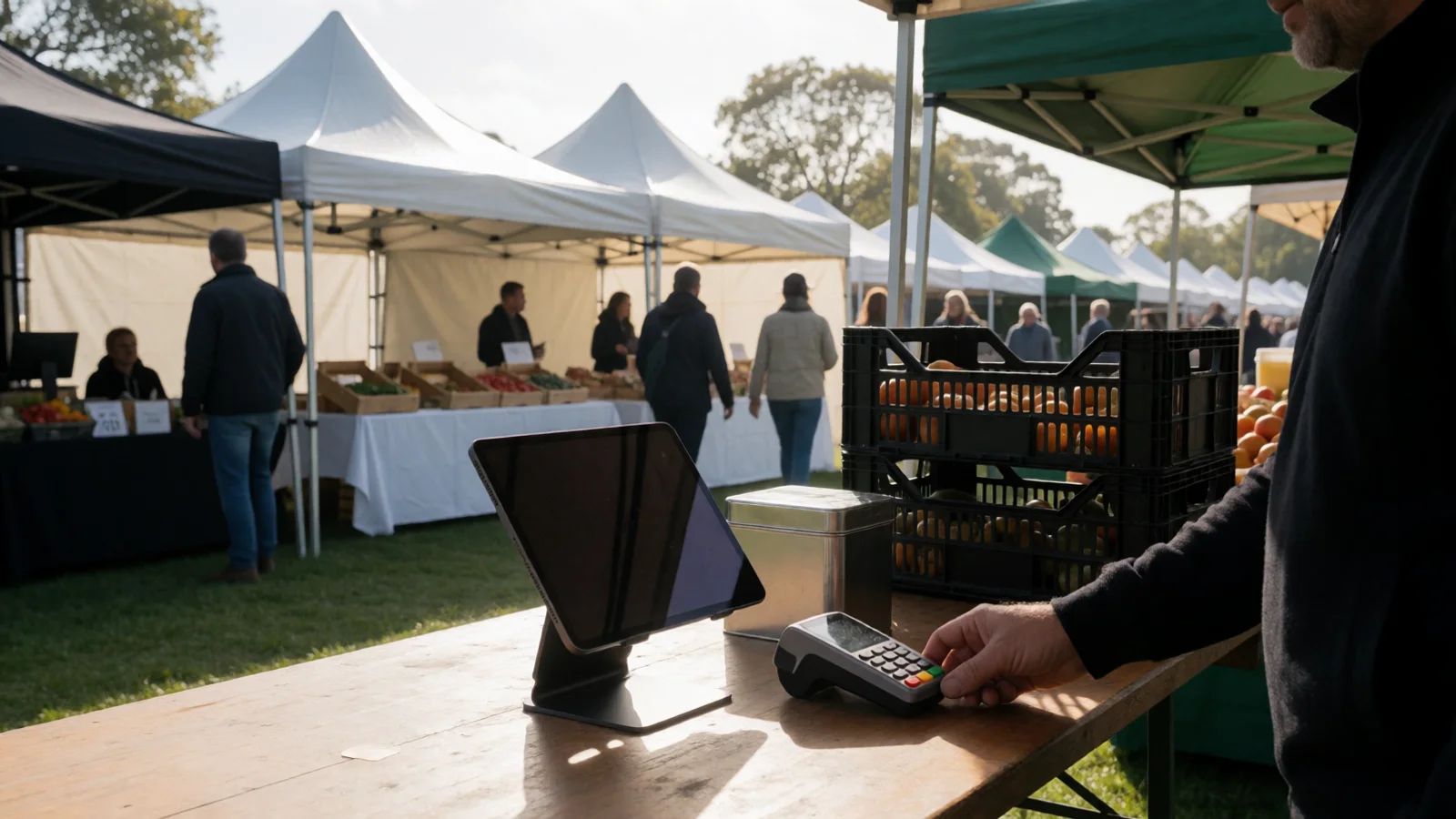
The best POS system for market stallholders in Australia is a mobile, cashless-ready setup that combines tap-and-go card payments, real-time sales tracking, and inventory management in one device. For most stallholders, that means a phone or tablet running software such as Square or Shopify POS, paired with a Zeller EFTPOS reader and connected to a platform like Evntle so sales, stock, and customer data stay in sync. This guide explains exactly how to choose, set up, and run a POS system that holds up through a busy Australian market day.
If you have ever watched a queue dissolve because your card reader dropped out, or spent Sunday night reconciling a shoebox of receipts, you already know why the right point of sale matters. Across Australia, more than 1.3 million small businesses now accept digital payments, and market organisers report that cashless transactions regularly account for over 70% of stall sales on peak weekends. Getting your POS right is no longer optional — it is the difference between a good day and a great one.
Why Market Stallholders in Australia Need a Modern POS System
A market stall is a small business operating under unusual pressure. You have limited counter space, patchy mobile reception, weather that changes by the hour, and customers who expect to tap and go in under ten seconds. A traditional cash tin cannot keep up, and neither can a clunky desktop till.
A modern POS system for market stallholders solves four problems at once:
- Speed at the counter — tap, insert, or swipe in seconds, with digital receipts sent by SMS or email.
- Accurate sales records — every transaction logged automatically, ready for tax time.
- Live stock visibility — know what is selling and what is not, before you pack down.
- Customer data — capture repeat buyers and reward them without paper loyalty cards.
If you sell at more than one market per week, choose a POS that syncs across devices in real time. Running two separate tills on the same weekend is the fastest way to lose track of stock.
Cashless payments are now the default, not the exception
Cash usage in Australia has fallen sharply — the Reserve Bank of Australia reports that cash now accounts for less than 13% of in-person transactions, down from around 70% in 2007. For stallholders, that means a cashless-first setup is the safest bet. You can still accept cash, but your primary workflow should be card and mobile wallet.
If you are preparing for a cashless event, our guide on how to prepare cashless sales for events walks through the practical steps, from testing connectivity to training staff.
What to Look For in a POS System for Market Stallholders
Not every POS is built for the reality of a market stall. Before you commit, check these features against how you actually trade.
1. Mobile-first hardware
Your POS should run on a phone or tablet you already own, with an optional Bluetooth card reader. Anything that requires a fixed counter or mains power is a liability at an outdoor market.
2. Reliable offline mode
Mobile reception at regional markets, racecourses, and showgrounds is unpredictable. A good POS queues transactions offline and syncs when you reconnect. Test this before your first event.
3. Product catalogues and quick keys
If you sell 40 varieties of jam, you do not want to type product names at the counter. Look for a POS that supports categories, favourites, and barcode scanning.
4. Inventory and stock alerts
Real-time stock counts stop you from overselling and help you decide what to restock for next weekend. This matters especially for food vendors and makers with limited production runs.
5. Customer loyalty built in
A loyalty program that tracks repeat customers automatically is one of the highest-return features you can switch on. Our guide to loyalty programs for market stalls explains how to set one up in under an hour.
6. Reporting you will actually read
End-of-day summaries, top-selling items, and peak-hour heatmaps turn a busy day into useful data. If the report is too complex to skim on a Monday morning, it will not get used.
Comparing the Best POS Options for Australian Market Stallholders
There is no single best POS for every stallholder. The right choice depends on whether you sell food, crafts, produce, or a mix, and whether you also sell online.
| POS Option | Best For | Key Strength | Considerations |
|---|---|---|---|
| Square | Craft stalls, fashion, florists, food vendors | Fast tap payments, simple catalogue, digital receipts | Limited advanced menu controls |
| Shopify POS | Vendors with an online shop | Unified online and in-person inventory | Higher monthly cost for full features |
| Lightspeed | Established food operators with multiple terminals | Detailed menu controls and reporting | Overkill for single-stall vendors |
| Evntle POS | Stallholders selling at recurring markets | Connected to event discovery, vendor storefront, and analytics | Best value when used across multiple events |
For a deeper comparison tailored to specific stall types, see our breakdown of choosing a market stall POS system and the companion piece on multi-device POS for markets.
Zeller EFTPOS is one of the most popular card readers among Australian stallholders because it offers low transaction fees and works with most mobile POS apps. Pair it with your chosen software for a complete setup.
How to Set Up Your Market Stall POS System Step by Step
Setting up a POS does not need to take a weekend. Follow these steps and you will be trading confidently by your next market.
- Choose your software. Match the POS to your stall type — food, craft, produce, or mixed. Use a pre-built template if one is available.
- Set up your product catalogue. Enter your top 20 items first. Add photos, prices, and allergen information where relevant.
- Pair your card reader. Connect your Zeller EFTPOS or equivalent via Bluetooth and run a test transaction.
- Configure tax and receipts. Set GST correctly and decide whether receipts are printed, emailed, or sent by SMS.
- Set up staff access. Create separate logins for each staff member so you can track who sold what.
- Test offline mode. Turn off Wi-Fi and mobile data, process a sale, then reconnect and confirm it syncs.
- Run a training mode session. Most POS apps include a practice mode — use it before the real thing.
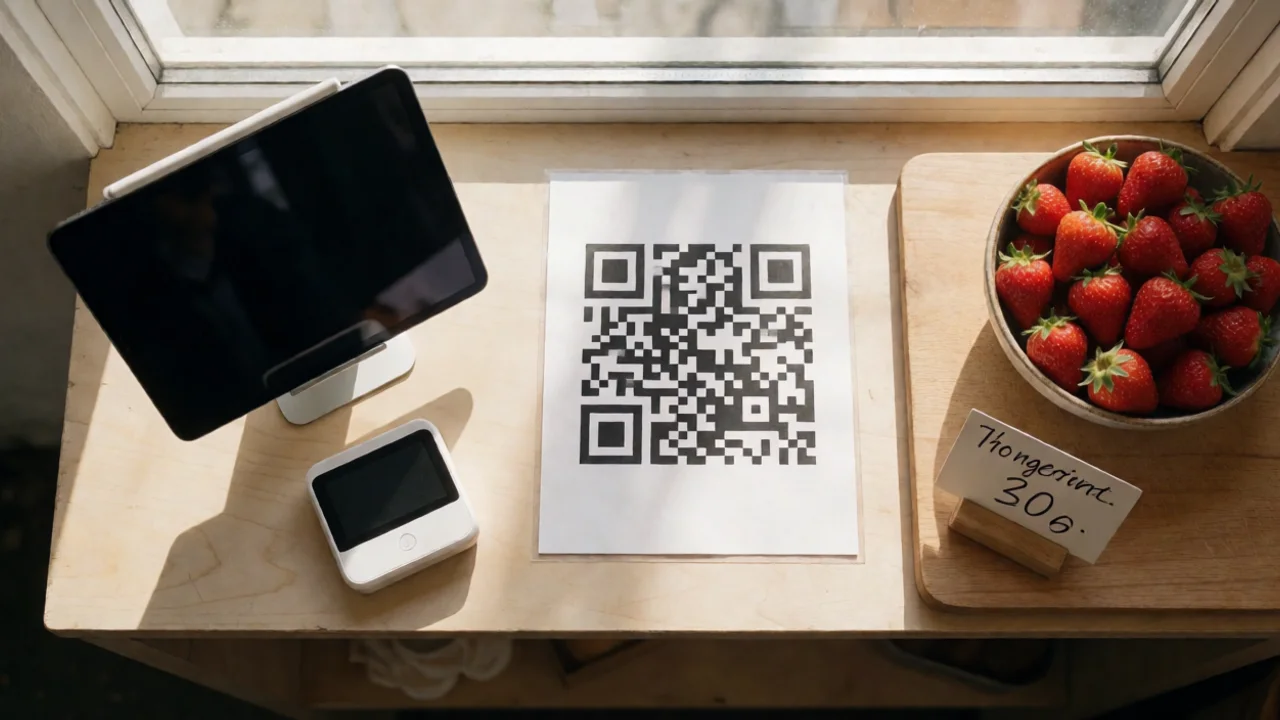
- Print your QR codes. If you have a vendor storefront, display a QR code so customers can browse and reorder later.
"The stallholders who grow fastest are not the ones with the biggest range — they are the ones who can serve a queue in five minutes and remember their customers by name next week."
— Evntle Vendor Operations Team
Cashless Payments, Loyalty, and Vendor Communication Working Together
A POS system is only one piece of the puzzle. The stallholders who consistently outperform are the ones who connect payments, loyalty, and communication into a single workflow.
Cashless payments keep the queue moving
Tap-and-go payments reduce average transaction time by around 30% compared to cash. On a busy Saturday that can mean dozens of extra sales. Pair your reader with a mobile checkout setup so you can take payment anywhere on the stall, not just at one fixed point.
Loyalty turns one-off buyers into regulars
When your POS automatically tracks repeat customers, you can send them a thank-you, a discount, or a heads-up about your next market. This is where a vendor storefront becomes valuable — customers can browse your range between events and reorder.
Vendor communication keeps organisers and stallholders aligned
Market organisers increasingly use platforms like Evntle to manage vendor applications, site allocations, and event-day updates in one place. For stallholders, that means fewer emails, clearer bump-in instructions, and faster answers when weather changes. Our guide on stallholder booking software for Australian markets covers how this works from the organiser's side.
Event Analytics: Turning Market Day Data Into Better Decisions
One of the most underused features of a modern POS is the analytics dashboard. Most stallholders glance at the day's total and move on. But the data underneath is where the growth happens.
| Metric | What It Tells You | Action It Suggests |
|---|---|---|
| Top-selling items | Which products drive revenue | Increase stock of winners, retire slow movers |
| Peak hour heatmap | When the crowd is biggest | Roster more staff and prep ahead of peaks |
| Average transaction value | How much each customer spends | Introduce bundles to lift basket size |
| Repeat customer rate | How many buyers return | Launch or refine a loyalty offer |
Evntle's analytics dashboard gives stallholders and organisers a live view of revenue, top items, and peak trading hours, with end-of-day summaries that can be exported for accounting. If you are running multiple markets, this data compounds quickly.
Do not rely on memory to plan next week's stock. Even a simple end-of-day export will outperform guesswork within a month.
Common Mistakes to Avoid with Market Stall POS Systems
- Choosing hardware before software. Pick the app first, then the reader that works with it.
- Ignoring offline mode. Test it — do not assume it works.
- Running separate systems for online and in-person sales. You will oversell or undersell.
- Not training staff. A five-minute practice session prevents a five-minute queue.
- Skipping loyalty setup. It is the cheapest growth lever you have.
"A POS system should disappear into the background of a busy market day. If you are thinking about it, it is not doing its job."
— Evntle Product Team
Frequently Asked Questions
Q: What is the best POS system for market stallholders in Australia?
A: The best POS for most Australian stallholders is a mobile solution like Square or Shopify POS paired with a Zeller EFTPOS reader. If you sell at recurring markets and want sales, stock, loyalty, and event discovery connected, Evntle's POS is purpose-built for that workflow.
Q: How do I accept card payments at a market stall?
A: Pair a Bluetooth card reader such as Zeller EFTPOS with a POS app on your phone or tablet. Set up your product catalogue, test a transaction, and confirm offline mode works before your first event.
Q: Do I need internet access to run a POS at a market?
A: No. Most modern POS apps include an offline mode that queues transactions and syncs when you reconnect. Always test this feature at your specific market site, as reception varies.
Q: Can a market stall POS system track inventory?
A: Yes. Square, Shopify POS, Lightspeed, and Evntle all support real-time inventory tracking, stock alerts, and end-of-day stock counts. This prevents overselling and helps you plan restocks.
Q: How much does a POS system cost for a market stall?
A: Most mobile POS apps are free to download and charge a small card transaction fee (typically 1.6% to 2.2%). Card readers like Zeller EFTPOS start from around $69, with no lock-in contracts.
Q: What is the best way to reward repeat customers at a market stall?
A: Use a POS with built-in loyalty tracking, then offer a simple reward such as a free item after five purchases. Pair it with a vendor storefront so customers can reorder between events.
Choosing the right POS system for market stallholders in Australia comes down to three things: a mobile setup that works offline, a cashless payment flow that keeps queues moving, and analytics that tell you what to do next. Get those right, connect them to your loyalty and vendor communication tools, and every market day becomes both easier to run and more profitable to trade. Start with a free POS app, test it at your next market, and refine from there — the data will guide the rest.
📖 Related
See the KDS and POS in action — try the live demo or create a free account.