
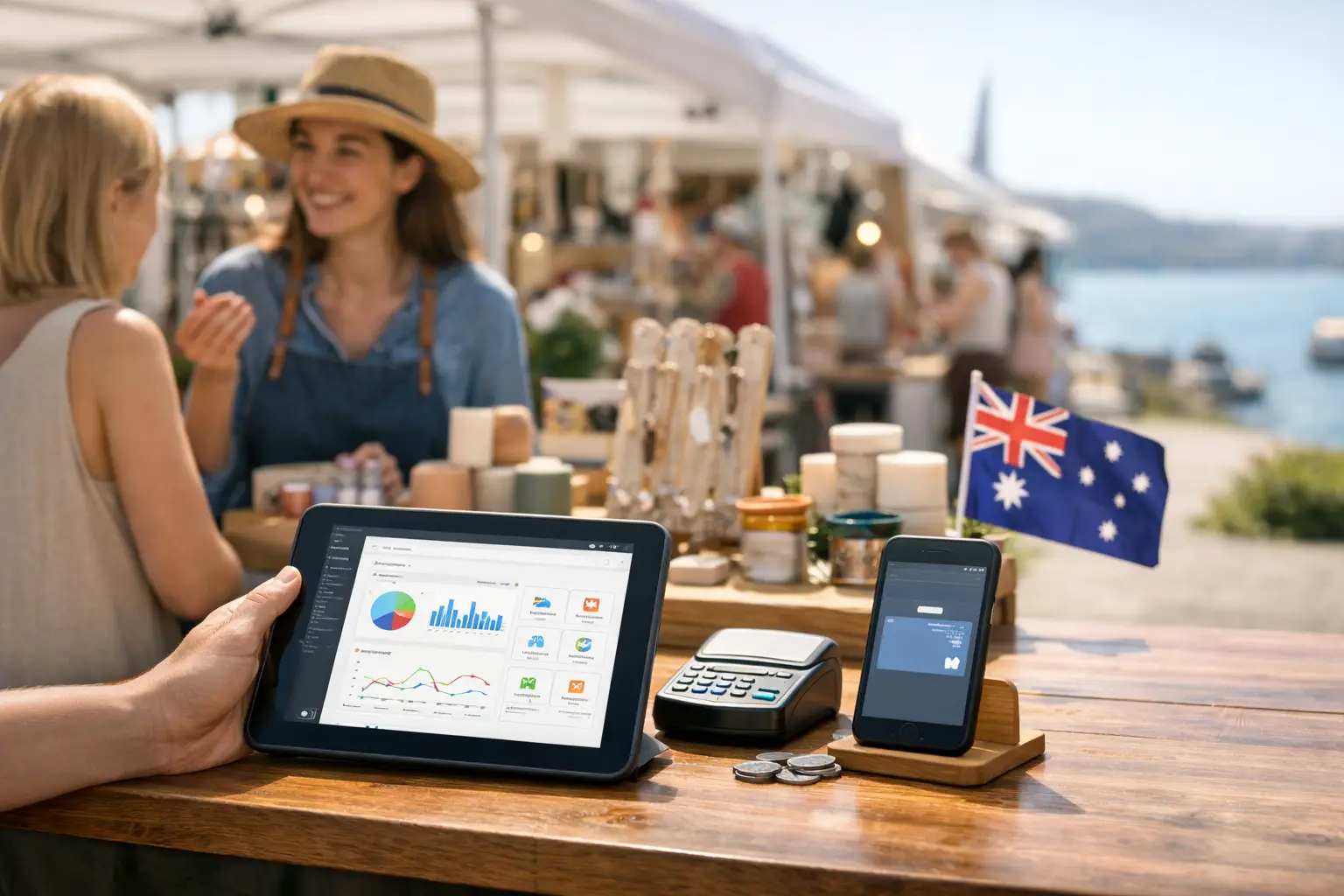
A craft fair can look beautifully simple from the customer side: a row of stalls, a card tap, a handmade purchase in a paper bag. Behind the table, though, sellers are juggling stock, payment queues, custom orders, customer questions and the occasional patchy signal. The best software for craft fairs helps turn that scramble into a repeatable sales operation.
The right choice is rarely just a point-of-sale app. A candle maker doing four markets a year needs something different from a jewellery brand with a website, two staff members and 600 product variations. Organisers have another layer again: vendor applications, site maps, announcements, incident records and attendance data all need a home.
What the best software for craft fairs needs to do
Start with the jobs that cost you sales or time on an actual market day. If you are taking notes on your mobile, counting stock by hand after pack-down, and chasing vendor details across emails and social messages, more features are not necessarily the answer. Connected features are.
For most Australian craft sellers and fair organisers, the useful foundations are:
- fast in-person payments, including tap-to-pay and cash tracking
- product and stock management that works across fairs, online orders and retail locations
- digital receipts, customer details and order notes for commissions or personalisation
- sales reporting by product, event, staff member and payment type
- reliable mobile access, with a practical plan for unreliable internet
- vendor and event tools when your business also manages markets or collaborates with organisers
A platform that handles only payments may be enough for a side hustle with a tight product range. Once you are selling across several events, however, disconnected payment, website, booking and spreadsheet tools create more work than they remove.
Choose software for the way you trade
There is no single winner for every stallholder. The best fit depends on whether your immediate problem is checkout speed, stock accuracy, customer follow-up or event coordination.
For independent craft sellers: prioritise POS and inventory
If you run your own stall, your checkout needs to be quick enough that customers do not abandon a queue while you search through product menus. Look for a POS that lets you build clear categories, add product photos where useful, apply discounts, record cash, and issue receipts without slowing the sale down.
Inventory matters just as much. A ceramicist may only need to mark one-off pieces as sold. An apparel seller needs size, colour and style variants. A stationery business may need bundles, gift wrapping and stock counts that update after both online and in-person purchases.
Ask a simple question before committing: when an item sells at a Sunday fair, will my online stock reflect it before someone buys the last one from home? If the answer is no, you are still relying on manual reconciliation after a long day on your feet.
Hardware is a real consideration too. Check whether the software supports the card reader, tablet or mobile you already own, and understand transaction fees before you set prices. Cheap monthly software can become expensive if payment processing is not suited to your typical order value.
For growing brands: connect the stall to your online storefront
Craft fairs are excellent for discovery, but the first purchase should not be the final interaction. Customers who love a print, candle or handmade bag may want to reorder later, request a custom version or find you at the next market.
This is where customer capture and storefront tools earn their place. Digital receipts can make reordering easier. A vendor profile or online storefront gives shoppers somewhere to go after the fair. A simple loyalty offer can encourage repeat visits without forcing you to manage another paper stamp card.
Be thoughtful about privacy. Collect details because they improve the customer experience, not simply because the software makes it possible. An email for a made-to-order piece is useful; adding every passer-by to a marketing list is not.
For fair organisers: look beyond ticketing
Organising a craft fair has its own operating rhythm. Applications arrive in different formats. Stallholder documents go missing. Layout changes happen after a late cancellation. Vendors need arrival instructions, bump-in times and clear updates when weather affects the site.
Generic ticketing software may help attendees register, but it does not necessarily manage the vendor side of the event. Event organisers should look for structured applications, approval workflows, vendor profiles, site planning, group communications and reporting that shows who participated and how the event performed.
A purpose-built event commerce platform such as Evntle can be particularly useful when organisers want vendors, shoppers and event operations in the same ecosystem. Rather than treating the fair as a one-day transaction, it supports vendor discovery before the gates open and gives operators practical tools for managing the day itself.
The trade-off is setup. A more complete platform needs agreed processes. Decide who approves applications, who owns the site plan, how vendors update their listing, and what staff do when a payment or incident needs attention. Software cannot fix unclear responsibilities, but it can make clear responsibilities much easier to run.
Compare the best software for craft fairs by workflow
Feature checklists are useful, but workflow testing tells you more. Before signing a contract or moving all your products, run a realistic test using your own catalogue.
Create a sale with two variants, a discount and a cash payment. Process a refund. Add a custom order with a pickup date. Sell the final unit of an item and check the stock level. Then pull a report that answers the question you will ask after the event: what actually made money today?
For organisers, test an application from the vendor's side. Can a maker submit photos, insurance documents and product details without confusion? Can you approve them, allocate a site, send an update and find their contact details quickly on event day? If the process feels clunky in a quiet office, it will feel worse with 80 vendors waiting for bump-in instructions.
Also check how the system behaves when connectivity is poor. Many indoor halls, showgrounds and regional sites have weak reception. Some POS tools offer offline payment capability with conditions, while others require a live connection. Understand what is stored locally, when transactions process, and what you need to tell customers if the network drops out.
Costs that matter more than the headline price
A free plan can be a smart starting point, especially for seasonal sellers. It is not automatically the lowest-cost option. Look at the full operating cost: monthly subscription, card processing, hardware, add-ons, staff accounts, online storefront fees and charges for advanced reporting or marketing tools.
Then weigh that cost against labour. If software saves an hour of manual stock updates after every fair, reduces overselling, or helps convert past shoppers into repeat customers, the return can be stronger than a slightly lower transaction rate.
Avoid buying enterprise complexity before you need it. A solo maker does not need a complicated multi-warehouse setup just because it exists. On the other hand, do not choose a basic tool that you will outgrow by spring if you are already adding events, staff and online sales.
Set up for the next fair, not just this one
Good software should make each event easier than the last. Build your catalogue before the rush, use product names that staff can find quickly, and keep pricing consistent across your stall and online channels. Set up a short end-of-day routine: reconcile cash, check card totals, review low stock, record custom orders and note what customers asked for.
For organisers, keep vendor information current between events rather than reopening the same administrative loop every month. Reusable application fields, saved site plans and clear event communications create a better experience for stallholders and a more professional fair for attendees.
The best system is the one your team will use when the queue is three people deep, the weather has changed, and someone wants the last blue vase. Choose software that keeps the sale moving, keeps your information together and leaves you with enough energy to enjoy the community you are building.
📖 Related
See the KDS and POS in action — try the live demo or create a free account.