
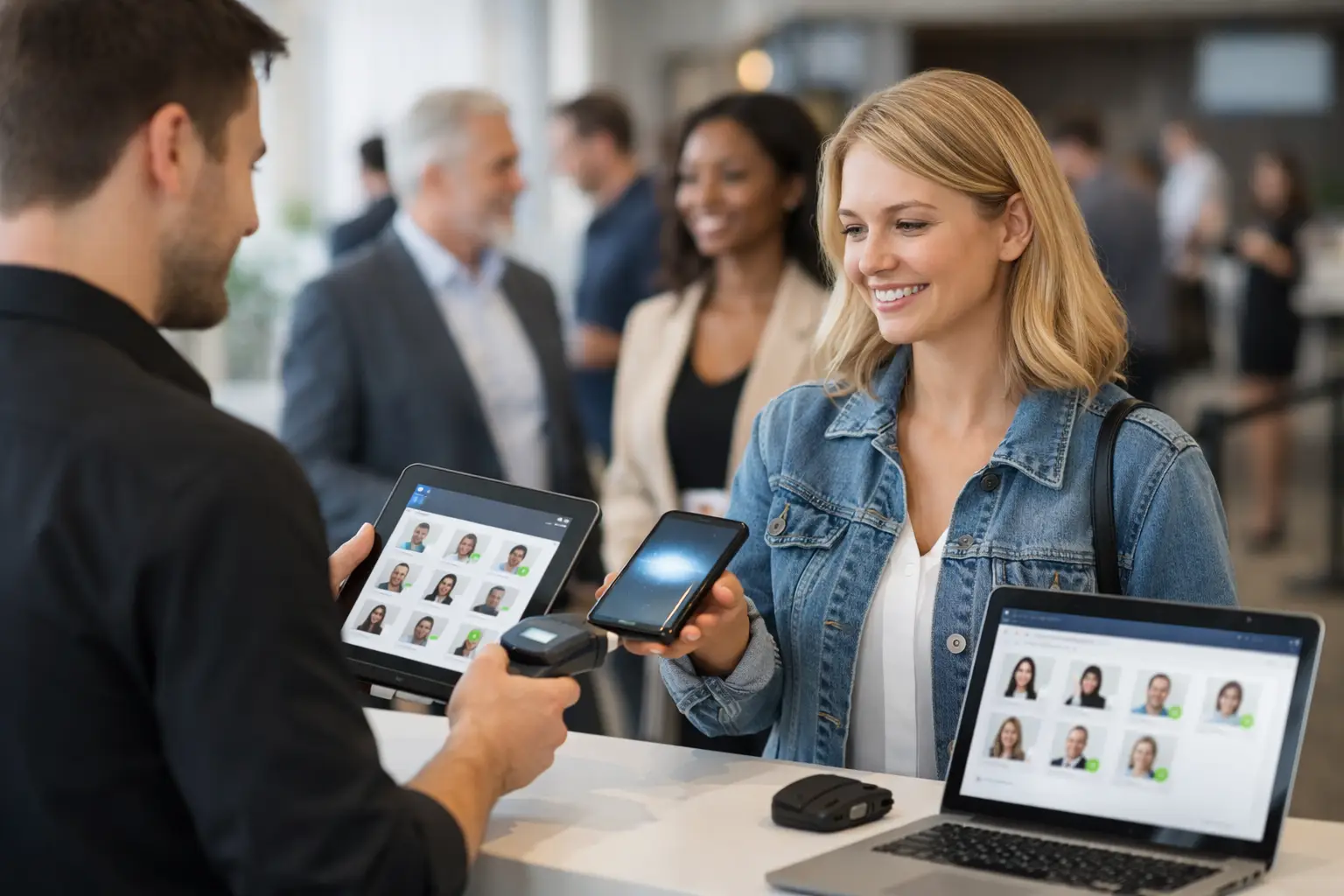
The queue starts building before the gates officially open. A vendor is asking where their bay is, two volunteers are sharing one clipboard, and an attendee cannot find their ticket email. That is the real test behind any event check-in software review: can the system keep people moving when the event-day pressure is on?
For Australian market organisers, fair operators and convention teams, check-in is not simply a box to tick at the entrance. It sets the pace for the entire day. A slow or confusing arrival process affects vendor bump-in, attendee confidence, staff workload and the quality of the data available after pack-down. The right software should make arrivals clearer for everyone involved, without forcing a small team to become IT support.
What event check-in software needs to do
The best check-in tools match the kind of event you actually run. A ticketed indoor expo has different needs from a weekly farmers market, food festival or car show. Still, there are a few non-negotiables.
First, staff need to find a person quickly. That may mean searching by name, scanning a QR code, checking an order number or looking up a vendor business. Fast lookup matters more than a flashy dashboard when there is a line at the gate and patchy mobile reception.
Second, the system should show the information a team needs at the point of arrival. For attendees, this could include ticket type, entry status and guest details. For vendors, it may include bay allocation, bump-in instructions, vehicle access, outstanding documents and whether they have checked in before. If staff still need to jump between emails, spreadsheets and group chats, the check-in software is only solving part of the problem.
Finally, check-in records should become useful event data. Organisers need to know who arrived, when peak entry periods occurred, which ticket types were used and which vendors attended. Vendors benefit when attendance connects with lead capture, sales activity and their visibility at future events.
A practical event check-in software review framework
Rather than comparing platforms by feature count, assess how each one performs across the operational moments that matter. A platform can offer dozens of settings and still create friction at the gate.
Speed at the entrance
A good system lets a trained volunteer check in a guest in seconds. QR scanning is useful, but it should not be the only path. Screens crack, emails disappear into junk folders and some guests arrive with a printed confirmation that is hard to scan. Manual search must be quick and forgiving of spelling errors.
Ask whether the interface works well on the devices your team already uses. Many event crews rely on mobiles and tablets, not dedicated scanners. Also check whether multiple staff can check in people simultaneously without duplicate entries or delays.
Offline capability is worth examining for outdoor events. Coverage can be unreliable in regional locations, showgrounds and busy venues where networks become congested. If a platform depends entirely on a strong connection, have a clear fallback process ready.
Vendor arrival is a separate workflow
Treating vendors exactly like attendees creates unnecessary work. A stallholder does not just need to be marked present. They may need to confirm their site, receive a bump-in update, show a permit, collect credentials or flag an issue with power access.
Look for software that recognises vendor operations as their own workflow. The organiser should be able to see who has arrived, who is late and who has not checked in, while the vendor receives the practical information needed to get trading. For a food operator in a ute or a craft seller unloading stock, clear direction is more valuable than another generic confirmation email.
This is where an integrated event platform can outperform a stand-alone check-in app. If vendor applications, site plans, event communications and on-site operations sit in one place, the arrival desk is working from a live operational record rather than a static attendee list.
Staff permissions and simple handovers
Event-day teams change quickly. A volunteer may handle the gate for two hours, then move to information or pack-down. Check-in software should let organisers give people access to the right task without exposing financial reports, vendor documents or full customer records.
Test how easily a new team member can learn the workflow. If the process takes a lengthy briefing, it is too complex for a busy market morning. Clear statuses, large controls and a sensible search function reduce mistakes when staff are working in heat, rain or a crowded entry area.
Data that helps after the gates close
A check-in count is only the starting point. Strong reporting should help organisers understand attendance patterns and make better decisions for the next event. Did most guests arrive in the first hour? Were no-shows concentrated in a particular ticket type? Did a promotional campaign lead to actual arrivals, not just registrations?
For recurring events, this information supports staffing, security, site layout and vendor planning. It can also help organisers build a more accurate picture of community demand. The trade-off is that more reporting can mean more setup, so smaller operators should prioritise the reports they will genuinely use.
Features that are useful, but not always essential
Some features sound impressive but may not suit every event. Badge printing can be valuable for gaming conventions, business expos and multi-day events, yet it may be unnecessary at a local Sunday market. Facial recognition may speed up high-volume entry, but it introduces privacy, consent and operational considerations that many small events do not need.
Likewise, a dedicated scanning device can be worthwhile for a large paid festival, while a reliable mobile-based workflow may be the better choice for a growing craft fair. Buy for the event you run now, with room to grow, rather than paying for complexity that sits unused.
Questions to ask before choosing a platform
Before committing, run a real scenario through the product. Import a sample attendee list, create a vendor record, assign a site and ask a colleague to check both people in on a mobile. This quickly reveals whether the workflow feels natural.
You should also ask how the system handles cancellations, duplicate registrations, complimentary entries, walk-ups and lost tickets. These are not edge cases. They happen at almost every live event. Confirm how attendee data is stored, who can access it and whether the platform supports the privacy obligations relevant to your organisation.
Pricing deserves a close look too. Some systems charge per ticket, per scan, per staff member or per event. That can work for occasional ticketed events but become expensive for recurring markets. Understand what is included before attendance grows, especially if you need vendor tools, point of sale, applications or discovery features alongside entry management.
When an all-in-one event platform makes sense
A stand-alone check-in tool can be a sensible choice if all you need is ticket validation at one gate. But organisers managing vendor applications, stall maps, customer discovery and on-site trading often spend more time connecting tools than using them.
Evntle is designed for event commerce rather than ticketing alone, bringing together vendor operations, attendee discovery and live event workflows. For markets, food events, craft fairs and similar formats, that approach can reduce double handling between the vendor list, site plan and arrival desk.
The right choice depends on your event model. A one-night ticketed show may favour a focused entry tool. A recurring market with sellers, shoppers and multiple operational moving parts will usually gain more from a connected system.
Choose software that keeps the gate moving, gives vendors a confident start and leaves your team with information they can act on before the next event is even on the calendar.
📖 Related
See the KDS and POS in action — try the live demo or create a free account.