
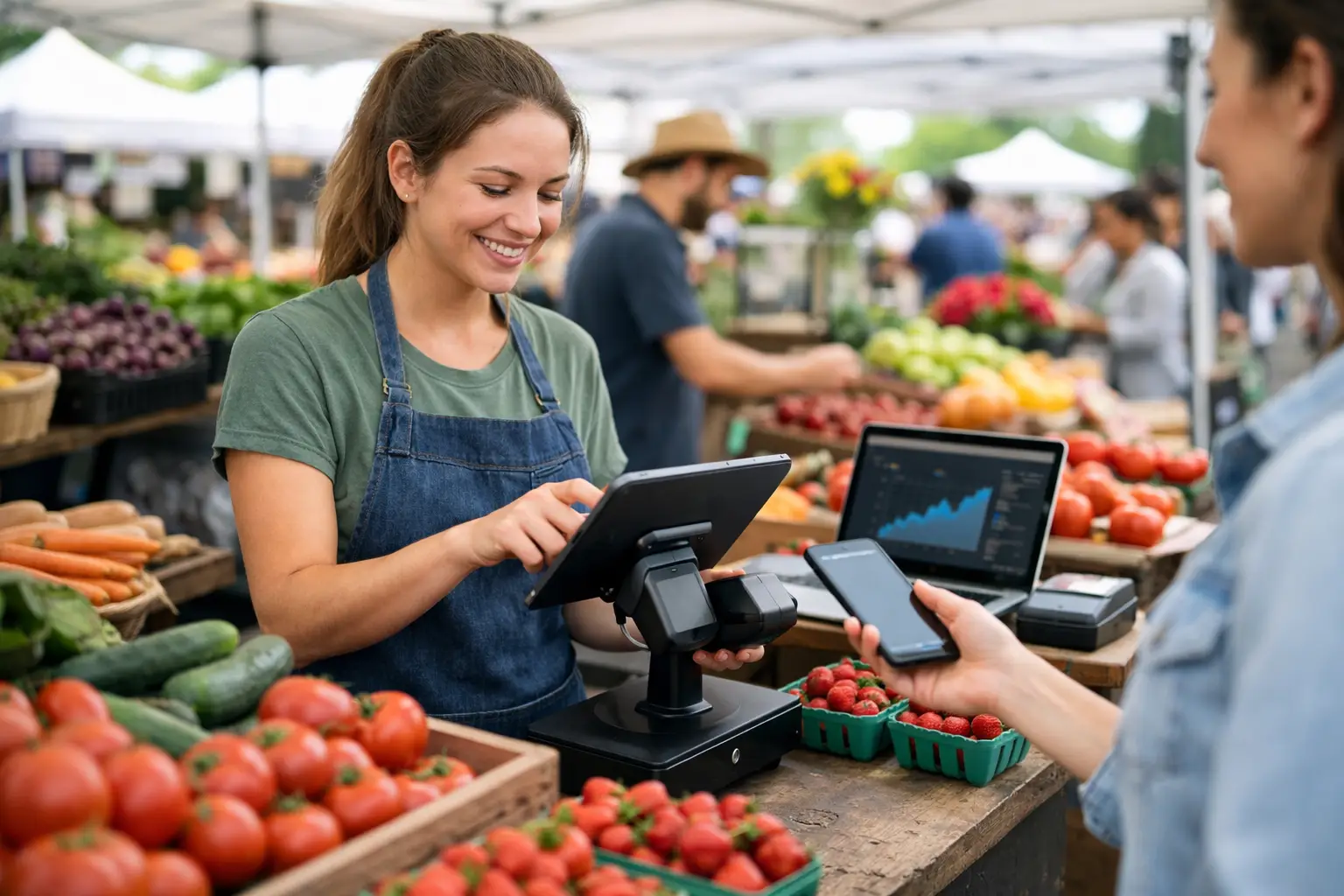
The morning rush at a farmers market is no time to hunt for a price list, calculate change by hand, or answer a customer asking whether you will be back next weekend. Farmers market vendor software gives stallholders a clearer way to sell, manage stock and stay visible before, during and after market day.
For a sourdough baker, flower grower, small-batch sauce maker or produce stall, the right system needs to work in the real conditions of a live market. That means a mobile-friendly point of sale, fast product updates, reliable payment records and a storefront customers can find again once the marquees come down. For organisers, it also means fewer spreadsheets, cleaner vendor coordination and a better experience for the people walking through the gates.
What farmers market vendor software should solve
A market stall is a small business with a very compressed trading window. You may spend days preparing stock, loading the ute before dawn and setting up in unpredictable weather, then have only a few hours to make the day count. Software should reduce the admin around that work, not add another screen to manage.
At a minimum, vendors need to record sales quickly, accept the payment methods their customers expect and know what sold. But the more useful platforms extend beyond the till. They help you present products online, collect customer details with permission, promote upcoming appearances and keep a record of sales across multiple markets.
That broader view matters because market customers are not only buying a jar of relish or a bunch of tulips. They are discovering local businesses. If they can find your stall profile later, save it as a favourite and see where you are trading next, a one-off purchase has a better chance of becoming repeat custom.
For organisers, the operational pressure is different but just as real. Vendor applications, site allocations, incident logs, event updates and attendee discovery are often scattered across forms, messages and separate platforms. A system designed for event commerce brings those workflows into one place.
The core tools vendors need on market day
Point of sale built for a queue
A market POS must be quick enough for a queue that is already three people deep. Products should be easy to find, variations should be clear and staff should not need extensive training to process a sale. A stall selling coffee beans by size, grind and bag type has different needs from a jewellery maker selling one-off pieces, so flexible product setup is worth more than a generic catalogue.
Look for a system that lets you update prices and availability without rebuilding your entire product list. Seasonal stock changes constantly. If the last tray of heirloom tomatoes sells out at 10.30 am, staff need to see that immediately rather than selling an item that is no longer there.
Payment reporting also needs to be practical. At the end of a long day, you should be able to compare takings with stock movement, understand which products drove revenue and spot whether a promotion actually worked. This is not about producing complicated reports for their own sake. It is about deciding what to make, pack and price for the next market.
A storefront that keeps working after pack-down
A physical stall has a limited trading footprint. A vendor storefront extends that footprint without replacing the face-to-face market experience that customers value. It can show your business story, products, trading dates and contact details in one recognisable place.
Custom subdomains can be particularly useful for vendors building a local following. Instead of telling customers to search through a crowded social feed, you can direct them to a dedicated home for your stall. That makes it easier to share seasonal releases, announce pre-orders or show where you will be trading next.
The trade-off is upkeep. A storefront with stale stock, old dates or unclear photos creates friction rather than confidence. Choose a platform that makes updates simple enough to do between production, deliveries and market preparation.
Customer connection without awkward admin
Many vendors rely on social media to stay in touch, but social platforms do not always show your posts to the people who already bought from you. Lead capture and loyalty tools give you a more direct way to encourage repeat visits, provided customers clearly understand what they are signing up for.
A simple prompt at checkout can work well: join the list for the next market location, new-season produce or a returning customer offer. The value needs to be immediate and relevant. Nobody wants more generic marketing in their inbox, but regular customers often want to know when their favourite bakery or fresh pasta stall is nearby.
How organisers benefit from the same platform
The strongest farmers markets feel connected because vendors, organisers and attendees have the same basic information at the right time. Vendors need bump-in details and site locations. Attendees need opening hours, directions and a reason to visit. Organisers need a live view of both sides.
Vendor application workflows help organisers collect the information they actually need, from product categories and insurance details to power requirements and vehicle access. Instead of sorting through email threads, they can review applications consistently and keep records attached to each vendor profile.
Site planning is another high-impact feature. A market layout can affect crowd flow, safety, power access and how well different categories trade. Being able to assign spaces visually, share site details and adjust the plan when a vendor cancels can save considerable event-day stress.
Incident management may sound like a feature reserved for large festivals, but it is useful at community markets too. Weather changes, access issues, equipment faults and customer incidents need a clear record. A structured log helps the team respond in the moment and improve the next event rather than relying on someone’s memory after a busy day.
Choosing farmers market vendor software for your business
The best choice depends on whether you are a single stall, a growing vendor team or an organiser running several markets each month. Avoid buying a system based only on a long feature list. Start with the moments that currently cause lost time, lost sales or confusion.
If payment speed is your issue, test the checkout flow. Can a casual staff member process common orders without stopping to ask for help? If stock control is the issue, check how quickly you can add, edit and mark items unavailable. If discoverability is the issue, assess whether customers can genuinely find your stall and upcoming events, not just whether you have a profile page.
For organisers, ask how the vendor and attendee experience connects. An application tool that does not feed into site planning creates double handling. An event listing that does not help attendees discover vendors leaves a valuable part of the market invisible. The goal is not to force every task into one system. It is to remove the gaps between tasks that should naturally inform each other.
Before committing, consider these practical questions:
- Can it support the way you trade, including variable-weight produce, product variations or one-off items?
- Does it work comfortably across the devices your team already uses?
- Can customers discover your stall and your next event without relying on a social media algorithm?
- Will organisers be able to coordinate applications, sites and event-day changes from the same operational view?
- Is the setup realistic for a small business preparing for its next market, not just for a large retailer with a dedicated admin team?
Build a better market loop
The real value of connected vendor software is what happens between events. Sales data helps vendors plan stock. Better vendor profiles help attendees decide which market to visit. Clear applications and site plans help organisers run safer, more reliable events. Those improvements reinforce each other.
Evntle is built around this shared event-commerce workflow, bringing vendor operations, market management and attendee discovery into one platform. That approach suits markets where success depends on more than taking a card payment. It depends on helping good stalls get found, helping organisers stay in control and giving visitors a reason to return.
Start with the workflow that is costing you the most energy, whether that is checkout, stock updates, vendor applications or event visibility. Then choose software that makes the next market day feel less like a scramble and more like a business you can keep growing.
📖 Related
See the KDS and POS in action — try the live demo or create a free account.