
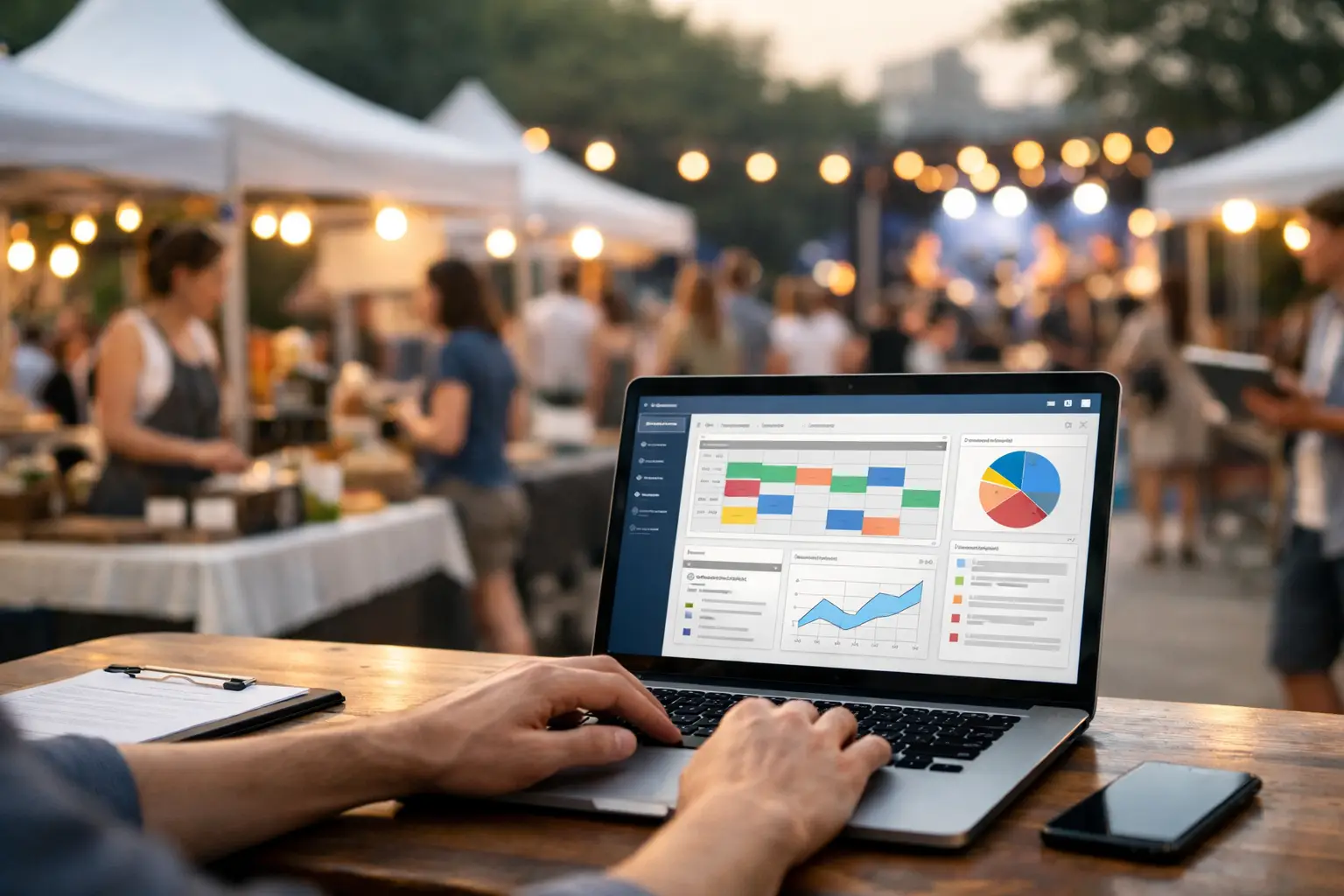
A Saturday market can look simple from the footpath: marquees up, coffee pouring, shoppers browsing. Behind it sits a moving set of decisions about stall locations, vendor arrivals, payment issues, wet-weather changes, incident records and next month’s applications. A useful market organiser software review starts there - with the work that happens before gates open and after the last ute leaves.
The best platform is not necessarily the one with the longest feature list. It is the one that reduces the handoffs between your team, vendors and attendees without forcing everyone into awkward workarounds. For a monthly makers market, that may mean faster applications and site maps. For a food festival, it may mean mobile point of sale, compliance notes and live vendor communication. The right choice depends on the event model, the people using it and where your current process breaks down.
What market organiser software should actually solve
Market software is often bought to fix one visible headache, such as vendor applications or ticket sales. That can help, but it can also create another disconnected system. Organisers end up exporting spreadsheets, texting site changes, reconciling separate payment reports and answering the same attendee questions across several channels.
A stronger setup connects the core commercial and operational jobs. Organisers should be able to collect applications, review vendors, allocate sites, manage event information and understand performance. Vendors need a clear way to apply, confirm details, prepare for the day and sell. Attendees should be able to find the event, see who is trading and decide whether it is worth the trip.
That third group is easy to overlook. Yet discoverability is not a marketing extra. When visitors can preview a favourite candle maker, a new food stall or a specialist gaming seller, they arrive with intent. Vendors get better visibility, and organisers build a recognisable event community rather than relying entirely on one-off social posts.
Review the workflow, not the feature checklist
Most products can claim calendars, forms and reporting. The question is what happens when those features meet a real event day. A short demonstration is useful, but it rarely reveals the full operational experience. Review the workflow from application to bump-out.
Vendor applications and approvals
Start with the application process. Can you set category-specific questions for food operators, craft sellers and vintage traders? Can your team check insurance, permits, power needs and vehicle access without digging through email attachments? Can applicants see their status and receive the next action clearly?
Approval tools should preserve context. A vendor profile with past event history, notes and documents is more useful than a form that disappears into an inbox. For recurring markets, this matters even more: repeat traders should not need to re-enter every stable detail, while organisers still need a way to collect updated compliance information.
Be wary of systems that make applications easy but provide little control once submissions arrive. A polished form alone does not solve selection, waitlists, communications or stall allocation.
Site planning and event-day control
A site plan is an operational document, not just a pretty map. Check whether the software lets you assign stallholders to precise locations, account for dimensions, power requirements, accessible paths and food-zone restrictions, then share the right information with the right people.
The platform should also support change. A late cancellation, a flooded patch of grass or a missing food-truck inspection can reshape a site plan quickly. If every adjustment means updating a PDF, sending a new email and hoping everyone sees it, the tool has not reduced risk.
Consider incident management as part of the same test. Good records protect the team when there is a safety issue, customer complaint or equipment problem. Look for mobile-friendly reporting, time stamps, photos where appropriate and controlled access to sensitive information. A system that only works comfortably from a desk is a poor fit for an organiser walking the grounds.
Sales, payments and vendor operations
Payment functionality can be a major advantage, particularly where organisers support several vendors or run centralised sales. But the details matter. Ask how payments, refunds, reconciliation, staff permissions, tax reporting and device access are handled. If vendors accept payments independently, assess whether the system still gives them useful tools without taking away their control.
For stallholders, a good platform should do more than process a tap. It should help them operate across the event and their wider business: product visibility, customer lead capture, sales reporting and an online storefront can all extend the value of a market day.
There is a trade-off here. An all-in-one product can reduce duplicated data and manual reporting, but it needs to be simple enough for a first-time trader to use during a busy rush. Test the point-of-sale flow with real products, modifiers and refunds. Ask whether it works across the devices your team actually carries, not just the hardware shown in a demo.
Compare platforms through three user groups
A market exists because organisers, vendors and attendees all get value from it. Software that only serves the organiser can leave vendors doing extra admin, while a vendor-first tool may not give event teams enough operational oversight. Build your review around each group.
For organisers, assess control: applications, approvals, communication, site plans, incidents, permissions and reporting. For vendors, assess speed: onboarding, profile setup, event information, sales tools and visibility beyond the stall. For attendees, assess confidence: event details, vendor discovery, favourites, reviews and a clear path to attend.
This is where an event commerce platform such as Evntle takes a different approach from a generic event listing tool or standalone payment app. The aim is to connect the event operator, the seller and the visitor in one shared environment, rather than asking each group to manage a separate system.
Still, integrated software is not automatically the right answer for every event. A small, once-a-year school fete may only need a basic booking form and a simple site plan. A growing regional market with 80 vendors, repeat customers and several staff members has more to gain from connected workflows. Match the platform to the operational complexity you have now, while allowing room for the complexity you are likely to have next season.
Questions to ask before committing
Before signing up, run a practical review with your own event data. Import a small group of vendors, create a sample application, build part of a site plan and process a test sale. Include the people who will use the system in real conditions: the market manager, the person at the gate, a regular stallholder and someone handling customer enquiries.
Ask these questions during the trial:
- Can a vendor complete their key tasks without emailing support?
- Can staff find site, contact and incident information quickly on a mobile?
- Can the organiser see what is selling, who has confirmed and what needs attention?
- Can attendees discover the event and understand what they will find there?
- Can data be exported if required, and are user roles handled sensibly?
Also look closely at onboarding and pricing. A low starting price can become expensive if every useful workflow requires an add-on, more logins or a separate transaction service. On the other hand, paying for functionality you will not use is not a sign of being well equipped. Get clarity on fees, support, contract terms and what happens as vendor numbers grow.
Measure the result after the first event
Software should earn its place in the operation. After the first event, compare the process with the previous one. Did application review take less time? Were fewer vendors asking where to park or set up? Did staff resolve issues faster? Could attendees find vendors before arriving? Did stallholders capture more customer details or make more sales?
Numbers matter, but so does friction. If the team stops maintaining shadow spreadsheets and vendors stop chasing basic information, that is a meaningful result. If the platform creates new admin for every update, address that early rather than accepting it as the cost of digital tools.
Choose market organiser software that respects the reality of live events: plans change, queues form, vendors are busy and customers decide quickly. The best system gives every person a clearer next step, leaving organisers with more time to build the kind of market people return to.
📖 Related
See the KDS and POS in action — try the live demo or create a free account.