
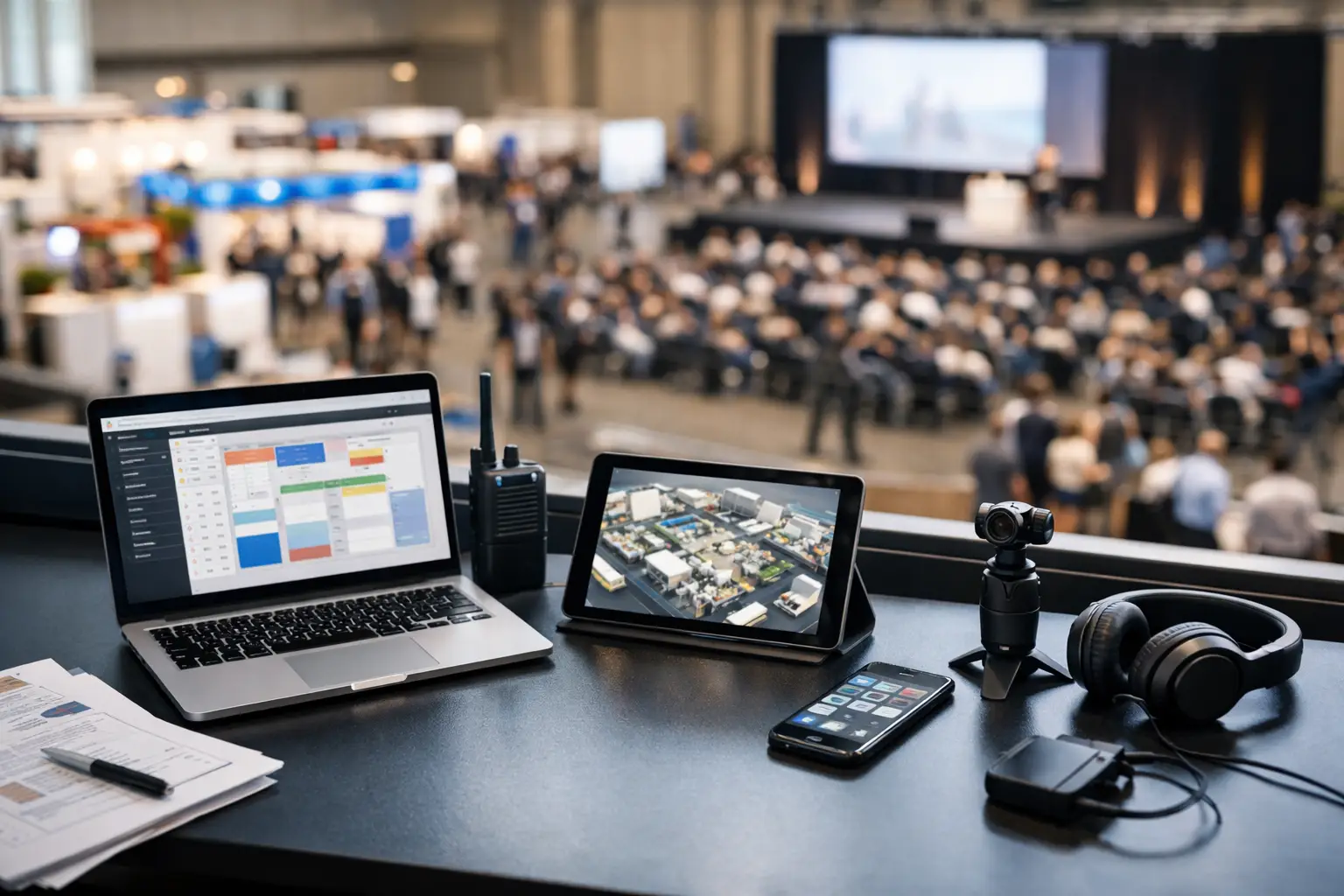
A convention can look full and lively while the operations team is still chasing forms, updating floor plans in a spreadsheet and answering the same stallholder question for the tenth time. The top tools for convention organisers solve those pressure points before gates open - and give your vendors and attendees a better experience once the floor is busy.
For gaming conventions, collectors' fairs, craft expos, car shows and community markets, the best setup is rarely the longest software stack. It is the one that keeps applications, site allocation, sales activity, communications and discovery connected enough that your team can act quickly. Here is what to prioritise.
Start with a vendor application and approval tool
Vendor applications set the tone for the whole event. If applications arrive through email, social messages and separate online forms, your team has no reliable view of who has applied, paid, supplied the required documents or needs a response.
A practical application tool should collect the details that genuinely affect approval and placement: product category, power needs, vehicle dimensions, insurance details, food permits where relevant, social profiles and preferred stall size. For a comic convention, you may also need to distinguish artists, resellers, tabletop game operators and food vendors. For a car show, vehicle entry and trade-stall applications should follow different workflows.
Look for custom questions, approval stages and automated status updates. The trade-off is worth considering: highly detailed forms can improve site planning, but a form that feels like paperwork overload may put smaller sellers off. Ask for what your team needs to make a decision, not every detail you might possibly use.
Use site planning software built for real event changes
A floor plan is an operating document, not a one-off image sent before bump-in. It needs to show stall dimensions, aisles, exits, power access, loading zones and special requirements. More importantly, it needs to stay current when a vendor upgrades, withdraws or asks to move because their display will not fit.
Site planning tools are among the top tools for convention organisers because they turn allocation into a visible process. Your operations team can see empty spaces, avoid placing direct competitors side by side where that matters, and account for practical needs such as refrigeration, vehicle access or accessible routes.
Choose a system that lets you assign sites against vendor records rather than maintaining a separate map and spreadsheet. When the site number, contact details and booking status live together, check-in becomes faster and fewer issues get lost between teams. For indoor conventions, mobile access matters too. A floor manager walking the hall should not need to return to the organiser desk to confirm a stallholder's location.
Put vendor communication in one operational channel
Event day communication is not the same as marketing. Vendors need clear information about bump-in times, entry gates, parking, Wi-Fi, power, site rules and what to do when something goes wrong. Attendees need accurate opening hours, exhibitor information and programme changes.
Email still has a place for formal updates, but it is not enough on its own. Use a system that keeps messages tied to the event and audience segment. You might send food vendors an update about gas bottle checks, while artist alley exhibitors receive instructions for early table access. A blanket message to every participant creates noise and makes urgent notices easier to miss.
Build a simple communications rhythm: confirmation after approval, a practical event pack before bump-in, a short reminder the week of the event, then real-time notices only when action is needed. Clear communication reduces the volume of individual messages your team must answer.
Choose payments and POS that work at the stall
For many vendors, a convention is a major sales weekend. A payment tool that is slow, hard to train on or unreliable when the hall gets busy can directly affect their takings. Organisers also need visibility into vendor fees, add-ons and, where relevant, transaction reporting.
Point-of-sale tools should support quick product entry, card payments, receipts and more than one device where a stall has multiple staff. Stock tracking is useful for sellers with a defined catalogue, although a vintage dealer or artist selling one-off pieces may value speed over detailed inventory controls.
The key decision is whether payments sit separately from event operations or connect with them. A standalone POS can be the right choice when vendors already have established systems. But for newer stallholders and recurring event communities, connected POS, vendor storefronts and event records reduce duplicate setup. Evntle brings these workflows together so organisers can manage vendor operations while sellers can trade in person and maintain an online presence.
Give attendees a way to discover exhibitors before they arrive
A strong convention begins before the queue forms. Attendees increasingly want to know which makers, traders, food operators and special guests will be there before deciding whether to buy a ticket, travel across town or bring the family.
An attendee discovery tool should make the exhibitor list useful, not just long. Vendor profiles, categories, product previews and favourites help visitors plan their day. Someone hunting retro games should be able to find relevant traders; someone attending a makers market may want to save ceramicists and food stalls for later.
This is also a commercial advantage for vendors. Better visibility can turn a casual browse into a planned visit to a particular stall. It depends on exhibitors supplying decent profiles and images, so make profile completion part of your vendor onboarding rather than an optional task left until the last minute.
Track incidents, check-ins and live operational tasks
The busiest moments at a convention are rarely predictable. A power lead may create a trip risk. A vendor may not arrive for bump-in. A customer may report a lost child or a stallholder may need first aid. These are not issues to manage through scattered messages and memory.
Incident management tools give staff a consistent way to log what happened, where it happened, who handled it and whether follow-up is required. For recurring events, this record becomes valuable planning data. If the same loading entrance causes congestion each month, or a particular area regularly needs extra security, you can change the plan rather than repeat the problem.
Check-in tools matter for the same reason. Record arrivals, late vendors and no-shows as they happen. If a site is unexpectedly vacant, the floor team can decide whether to hold it, relocate a waitlisted vendor or use it for a seating area. Live information beats a printed list that is out of date by 9 am.
Make reporting useful after pack-down
The days after an event are when organisers decide what to repeat, change and stop. Reporting should answer practical questions: Which vendor categories had the strongest demand? Which sites sold first? How many applications converted to confirmed bookings? Which marketing channels drove attendee interest? Did particular add-ons, such as power or corner sites, generate worthwhile revenue?
Avoid collecting numbers simply because a dashboard offers them. For a first-year convention, application volume, exhibitor mix and attendance conversion may matter most. For a mature recurring event, vendor retention, sales patterns and attendee favourites can reveal more about long-term growth.
Use the results in your next event setup. If food stalls were oversubscribed but table-top gaming had vacant spaces, adjust category caps. If vendors consistently ask for earlier access, review bump-in scheduling. Reporting earns its place when it changes an operational decision.
Build around one source of truth
A specialised tool can be excellent at one job. The issue starts when your floor plan, applications, payments, exhibitor directory and incident records all tell slightly different stories. Staff spend their time reconciling information instead of running the event.
Before choosing software, map the journey from vendor application to pack-down. Identify where data is entered twice, where teams rely on personal inboxes and where an attendee or stallholder has to ask for information that should already be available. Then choose tools that remove the highest-friction hand-offs first.
The right platform will not make every event-day surprise disappear. It will give your team the context to respond without scrambling, help vendors focus on trading, and let attendees spend more time enjoying the convention they came for.
📖 Related
See the KDS and POS in action — try the live demo or create a free account.